Configure WP Ghost on AWS Lightsail Bitnami WordPress by enabling AllowOverride All or adding rewrite rules to httpd-app.conf. Two options with step-by-step SSH commands and troubleshooting.

Configure WP Ghost on AWS Lightsail Bitnami WordPress by enabling AllowOverride All or adding rewrite rules to httpd-app.conf. Two options with step-by-step SSH commands and troubleshooting.
WP Ghost is fully compatible with Really Simple SSL. Save Really Simple SSL first, then re-save WP Ghost to ensure correct .htaccess rule order. One-time setup with troubleshooting for mixed content, redirect loops, and rule conflicts.
Configure WP Ghost to work with ManageWP by setting Plugin Loading Hook to Must Use Plugin. Ensures WP Ghost does not block ManageWP worker communication. Includes whitelisting, troubleshooting, and MainWP compatibility.
WP Ghost adds a security monitoring widget to your WordPress Dashboard showing your security score (0-100), 7-day threats chart, brute force IPs blocked, and alert emails sent. Learn how to read and improve your security metrics.
Configure WP Ghost on Windows IIS by adding rewrite rules to web.config. Requires IIS URL Rewrite module. Step-by-step with 5 screenshots, IIS Manager restart, and Frontend Test verification.
If your theme breaks or site loads slowly after activating WP Ghost, the server is not reading the rewrite rules. Fix for Apache, LiteSpeed, Nginx, IIS, and managed hosting.
Enable AllowOverride All in Apache so WP Ghost .htaccess rewrite rules work. Step-by-step for Ubuntu/Debian and CentOS/RHEL with configtest safety check, mod_rewrite enable, and troubleshooting.

Enable mod_rewrite and AllowOverride All on Google Cloud Platform Apache so WP Ghost can write .htaccess rewrite rules. One-time SSH setup with step-by-step commands and troubleshooting.
Set up WP Ghost on GoDaddy Managed WordPress by disabling GoDaddy’s built-in CDN. Use an external CDN like Cloudflare or BunnyCDN instead. Includes troubleshooting for broken styles, cache issues, and login 404s.
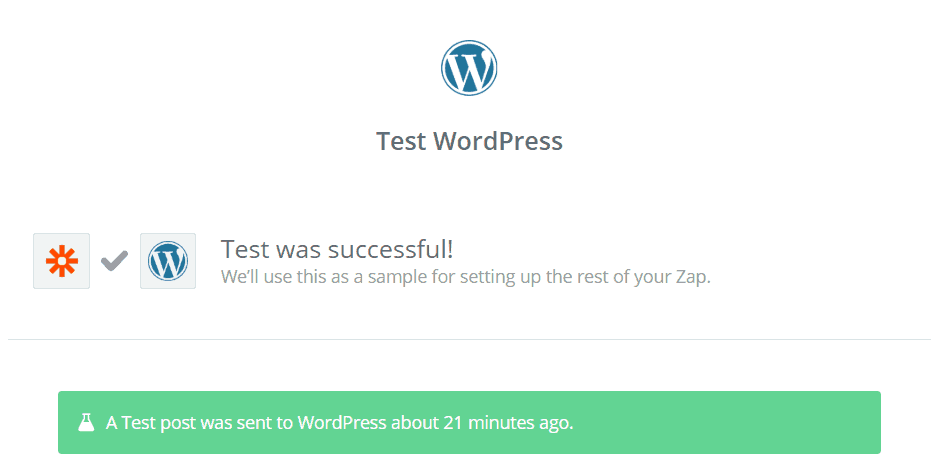
Configure WP Ghost to work with Zapier by whitelisting Zapier’s User Agent while keeping XML-RPC disabled for the public. Create posts, trigger workflows, and automate WordPress with Zapier securely.

WP Ghost works with Advanced Access Manager with one .htaccess adjustment. Update AAM media protection rewrite rules to match your WP Ghost custom uploads path. Step-by-step with verification and troubleshooting.
Move your WordPress site to HTTPS with SSL, set up redirects, fix mixed content, then strengthen the connection with WP Ghost HSTS and security headers. Includes Really Simple SSL compatibility.
Remove the WordPress DNS prefetch link (s.w.org) from your site header to eliminate a CMS fingerprint. Use WP Ghost’s one-click option or a manual functions.php filter.
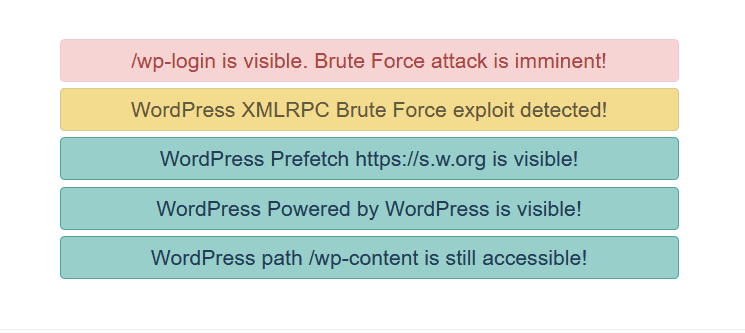
Understand every security issue WP Ghost’s Security Check detects. Login path brute force, XML-RPC exploit, common paths visible, readme accessible, old paths in source, DNS prefetch, REST API link, and Powered by WordPress. Each with a one-click fix.
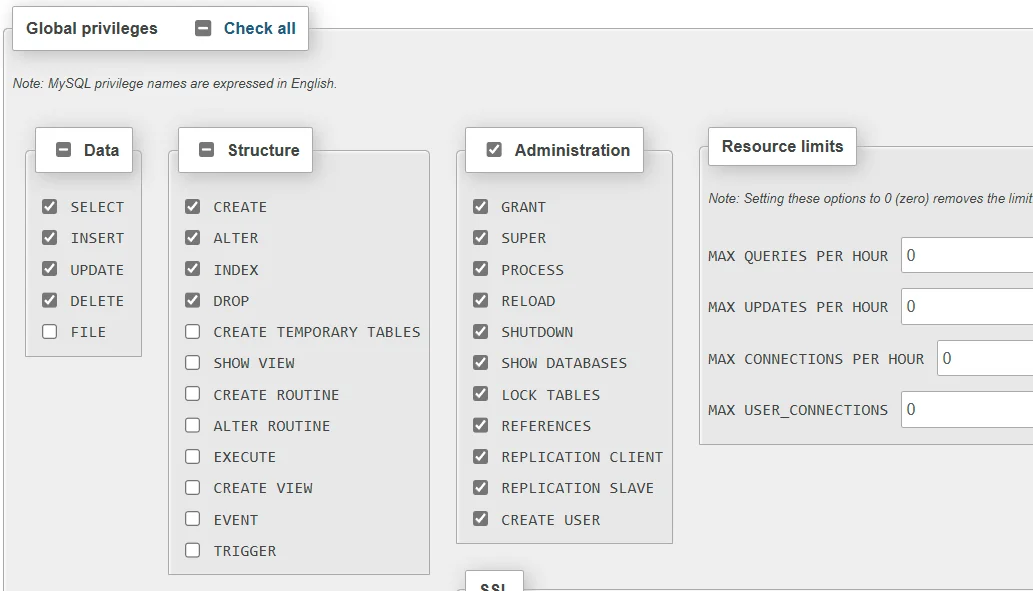
Restrict your WordPress database user to only the 8 required permissions using phpMyAdmin. Reduce the impact of SQL injection attacks by removing unnecessary privileges.