Use Hide My WP Ghost with Zapier
June 20, 2019
This tutorial has moved to the new WP Ghost Knowledge Base where each feature is presented in detail.
WP Ghost (formerly Hide My WP Ghost) works with Zapier. Zapier’s current WordPress app connects through the WordPress REST API, with the Zapier for WordPress plugin and an application password (see Zapier’s WordPress guide). The older legacy app uses XML-RPC: for it, keep Disable XML-RPC Access on and add Zapier’s IP addresses to WP Ghost’s Whitelist IPs, so only Zapier can reach xmlrpc.php.
How Zapier connects to WordPress
The legacy Zapier WordPress app connects through xmlrpc.php, an older WordPress endpoint for remote publishing. WP Ghost can disable XML-RPC because it’s a common target for brute force attacks. Whitelisted IPs skip that block, so Zapier’s IPs get through while XML-RPC stays closed to everyone else. Zapier runs on Amazon Web Services (AWS), so its IP addresses come from AWS IP ranges.
How to configure WP Ghost for Zapier
Step 1: Keep XML-RPC disabled for the public
Go to WP Ghost > Change Paths > API Security. Check that Disable XML-RPC Access is on. It blocks XML-RPC for the public; the IP whitelist in the next step lets Zapier through. Click Save.

Step 2: Whitelist Zapier’s IP addresses
Go to WP Ghost > Firewall > Whitelist. Add Zapier’s IP addresses to Whitelist IPs and click Save. WP Ghost whitelists by IP address and by path; it has no user agent whitelist.
Zapier runs on AWS, so its IP addresses come from AWS ranges and can change over time. Amazon publishes the current ranges in the AWS IP range list (JSON). If Zapier stops working after a while, check that list and update Whitelist IPs.
Step 3: Verify the setup
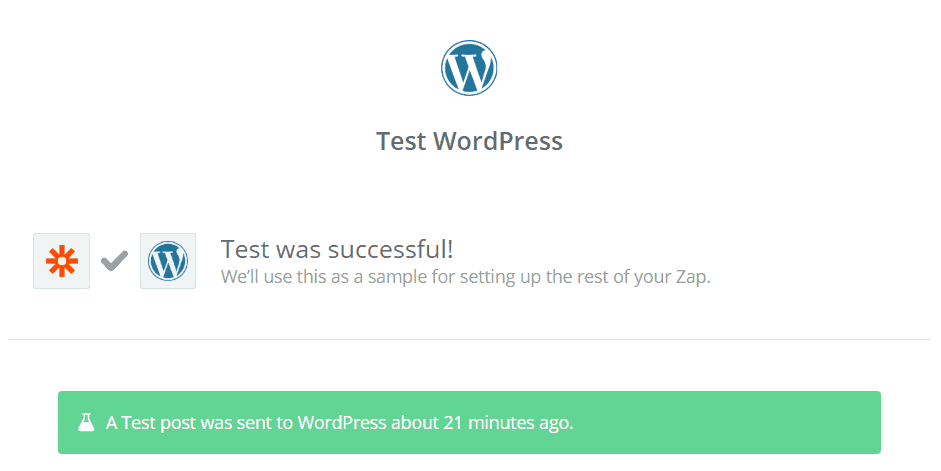
Create a test Zap in your Zapier dashboard that connects to your WordPress site (for example, create a new post). Run the Zap and confirm the action completes. Verify the post appears on your WordPress site.

Troubleshooting
Zapier returns a connection error. With the current app, check that the Zapier for WordPress plugin is active, that you connected with an application password, and that Disable REST API Access isn’t blocking the request. With the legacy XML-RPC app, check that Zapier’s IPs are in WP Ghost > Firewall > Whitelist IPs. If you use country blocking, don’t block the AWS regions Zapier uses. The Security Threats Log shows whether WP Ghost blocked Zapier’s requests and by which rule.
Zapier worked initially but stopped later. Zapier’s IP addresses may have changed, since they come from AWS. Update Whitelist IPs from the AWS IP range list, or move to Zapier’s current WordPress app, which uses the REST API.
Zapier creates posts but with broken formatting. This is a Zapier/XML-RPC formatting issue, not a WP Ghost issue. XML-RPC has limited formatting support compared to the block editor. Check Zapier’s WordPress integration documentation for formatting options.
Frequently asked questions
Is it safe to allow XML-RPC access for Zapier?
Yes, through the IP whitelist. XML-RPC stays disabled for all other traffic; only the whitelisted IPs can reach it.
Can Zapier use the REST API instead of XML-RPC?
Yes. Zapier’s current WordPress app uses the REST API with the Zapier for WordPress plugin and an application password; only the legacy app uses XML-RPC. A custom wp-json path in WP Ghost is fine for that app as long as the Zapier plugin can reach it. If calls fail, check Disable REST API Access in WP Ghost > Change Paths > API Security.
Does this apply to other automation services like Make or IFTTT?
Yes. Any service that connects through XML-RPC needs its IP addresses in Whitelist IPs. For REST API services, check Disable REST API Access and your custom wp-json path. IP ranges differ by service.
Does this work with WooCommerce?
Yes. WP Ghost works with WooCommerce, and Zapier has WooCommerce integrations for orders, products and customers.
Does WP Ghost modify WordPress core files?
No. WP Ghost uses rewrite rules and WordPress hooks. No core files are modified.
Related tutorials
Disable XML-RPC – the full XML-RPC security tutorial.
Customize All WordPress Paths – configure all paths including API security.
Firewall and Geo Security – manage whitelists, blacklists, and country blocking.
Compatibility Plugins List – confirmed compatible services and plugins.
Website Security Check – verify your configuration after setup.