

Add seven security headers to WordPress with one click in WP Ghost. Protect against XSS, clickjacking, MIME sniffing, and protocol downgrades with HSTS, CSP, X-Frame-Options, and more.

Add seven security headers to WordPress with one click in WP Ghost. Protect against XSS, clickjacking, MIME sniffing, and protocol downgrades with HSTS, CSP, X-Frame-Options, and more.

Block access to your entire WordPress site or specific paths like login and checkout from selected countries. WP Ghost Premium uses IP geolocation to restrict traffic from high-risk regions.
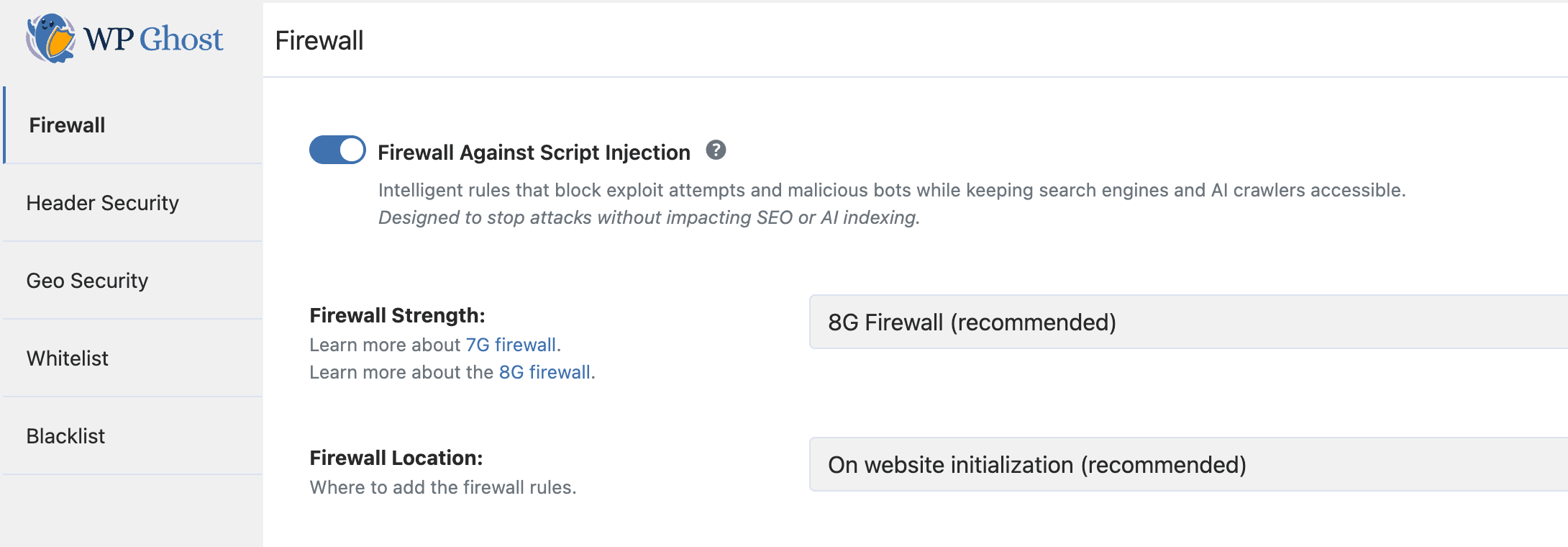
Enable the 8G Firewall in WP Ghost to block SQL injection, script injection, XSS, and directory traversal at the server level before WordPress loads. Free feature, step-by-step guide.
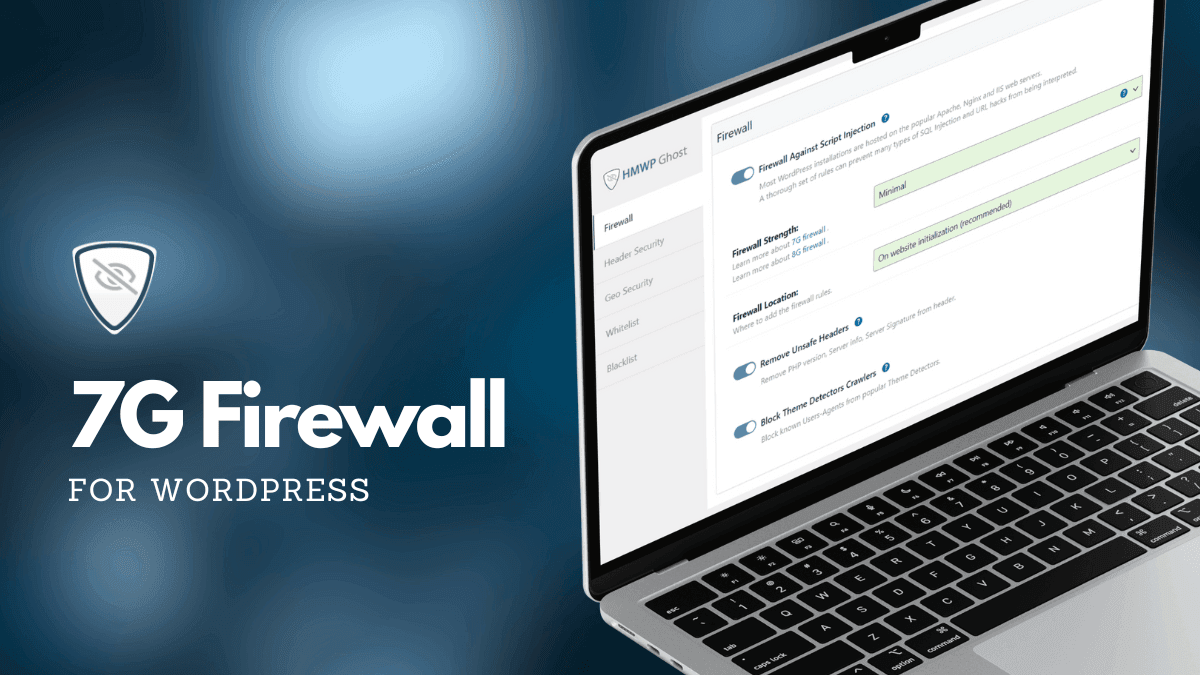
Activate the 7G Firewall in WP Ghost to block SQL injection, script injection, XSS, and malicious bots at the server level before WordPress loads. Free feature, zero performance impact.
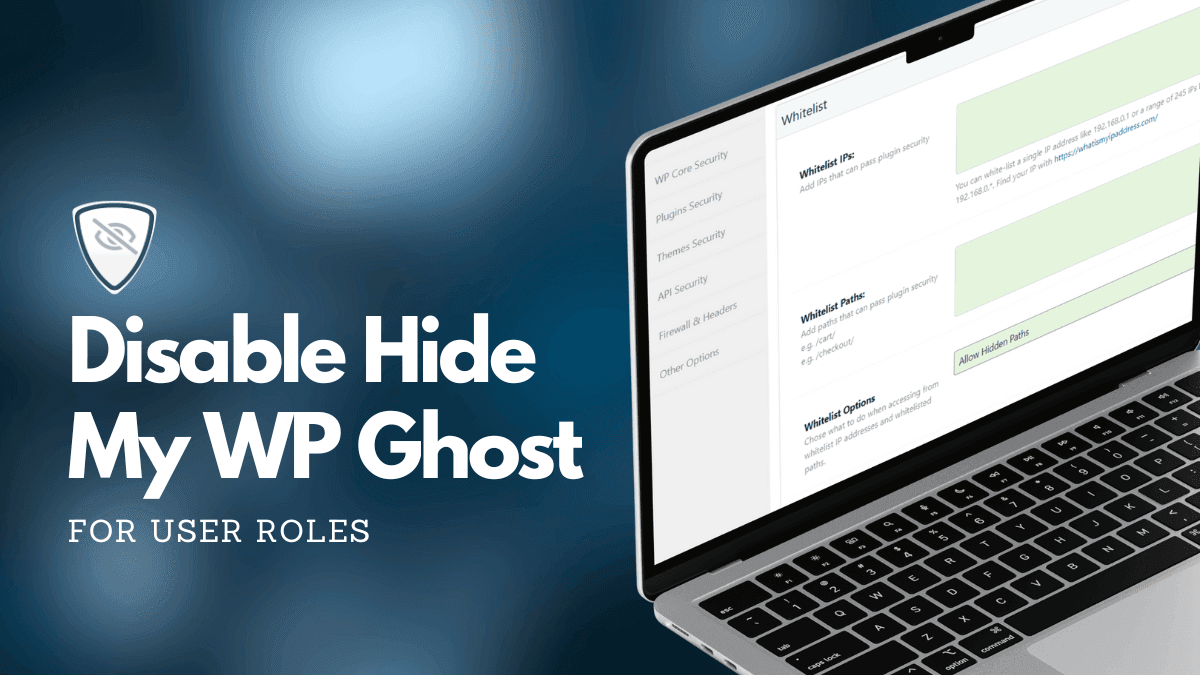
Disable WP Ghost path security for administrators, editors, or any WordPress user role using a simple code snippet. Also covers IP whitelisting as a no-code alternative.
Discover the most popular WordPress theme detectors, how they work, which ones to trust for testing, and how WP Ghost makes your site invisible to all of them by securing default paths.
Replace WooCommerce and Elementor class names in HTML, CSS, and JS using WP Ghost Text Mapping so theme detectors can not identify your plugins. Advanced feature with caching guide.
Learn how to protect your WordPress website using WP Ghost path security, 8G Firewall, brute force protection, 2FA, secure hosting, and a complete security checklist to prevent hack attacks.
This tutorial has moved to the new WP Ghost Knowledge Base where each feature is presented in detail.
WP Ghost prevents hack attacks on WordPress by changing default paths, blocking bot traffic with a built-in firewall, and adding brute force protection – stopping threats before they reach your plugins, themes, or login page.
WordPress runs a large share of the web, and that makes it the main target for automated attacks. The problem is not WordPress itself. The problem is the open-source ecosystem around it.
Many plugins and themes are created by developers who are great at building features but not trained in security best practices. A single vulnerable function, an unvalidated input field, or an exposed file path can give a hacker bot everything it needs to inject malicious code into your site. Public vulnerability databases list new plugin and theme flaws every week.
You can not personally audit every plugin you install. You can not guarantee that the next update will not introduce a new vulnerability. What you can do is make sure bots never find those plugins in the first place.
Every WordPress site ships with the same predictable structure. Paths like /wp-admin, /wp-login.php, /wp-content/plugins/, and /wp-content/themes/ are identical on millions of websites. Hacker bots do not need to guess. They already know where everything is.
The attack works in two phases. First, the bot scans for default WordPress paths to confirm the target. Second, it runs known exploits against those paths, targeting vulnerable plugins, weak passwords, and exposed endpoints. If the bot can not complete phase one, phase two never happens.
This is why changing and securing your WordPress paths is the most effective form of hack prevention. If bots can not find the doors, they can not break them down.
| WordPress Path | Default (Vulnerable to bots) | Secured with WP Ghost |
|---|---|---|
| Admin dashboard | /wp-admin/ | /your-custom-admin/ |
| Login page | /wp-login.php | /your-custom-login/ |
| Plugins directory | /wp-content/plugins/ | /custom-assets/extensions/ |
| Themes directory | /wp-content/themes/ | /custom-assets/layouts/ |
| Uploads folder | /wp-content/uploads/ | /custom-assets/media/ |
| REST API | /wp-json/ | /custom-api/ |
| Old paths accessible? | Yes (exploitable) | 404 Not Found |
Most popular WordPress security plugins focus on detecting threats after they have already reached your site. They scan files for malware, monitor database changes, and alert you when something looks suspicious. That approach is valuable, but it is reactive. It treats the symptoms after the infection.
WP Ghost takes the opposite approach. Instead of waiting for an attack to succeed and then cleaning up the mess, it works to stop the attack before it starts. By changing every default WordPress path and filtering malicious requests before they reach your plugins, WP Ghost removes the attack surface bots look for, often before they can confirm your site runs WordPress.
Think of it this way: reactive plugins are the alarm system that alerts you after someone breaks in. WP Ghost is the architecture that makes the doors and windows invisible so nobody attempts to break in at all.
WP Ghost provides multiple layers of hack prevention that work together to protect your site:
WP Ghost changes and secures every common WordPress path, including wp-admin, wp-login.php, wp-includes, wp-content, plugins, themes, uploads, REST API, author paths, comments path, admin-ajax.php, and more. It also hides common files like wp-config.php, readme.html, license.txt, and debug.log. No files are physically moved or renamed. WP Ghost uses server rewrite rules and WordPress hooks, so deactivating the plugin restores all defaults instantly. For the complete path security guide, see Customize Paths with WP Ghost.
The built-in 2026 Ghost Firewall filters out SQL injection, script injection, cross-site scripting (XSS), file inclusion exploits, and directory traversal attacks before they reach your WordPress core or database. It also checks admin-ajax, REST API calls, form submissions and file uploads. 2026 Ghost Firewall is the recommended Firewall Strength and the default on new installs. Learn more at Firewall Security.
WP Ghost protects your login page, registration form, lost password form, and comment forms with Math reCAPTCHA, Google reCAPTCHA V2, and Google reCAPTCHA V3. You can set custom attempt limits, timeout durations, and custom messages. Combined with a changed login path, bots can not even find the login page, let alone brute-force it. See the full setup at Brute Force Protection.
Even if an attacker somehow obtains a password, 2FA stops them at the door. WP Ghost supports 2FA by code (Google Authenticator), 2FA by email, and 2FA by passkey, including Face ID, Touch ID, Windows Hello, and hardware security keys. All three methods are included in the free version. Set it up at Two-Factor Authentication.
WP Ghost adds browser-level protection through security headers like Strict-Transport-Security, Content-Security-Policy, X-Frame-Options and X-Content-Type-Options. These headers help prevent clickjacking, content sniffing and cross-site scripting at the browser level. Configure them at Header Security.
WP Ghost can run next to other security plugins. Switch each overlapping feature (2FA, country blocking, login attempt limits) on in one plugin only. If you already use one, follow its setup guide: endpoint firewall with malware scanner, all-in-one hardening suite, bot-detection plugin or cloud firewall with site scanner. Those tools mostly scan for malware after something reached your site; WP Ghost works earlier, keeping attacks from reaching it. For a second layer, we recommend Cloudflare in front of WP Ghost.
You do not need to deactivate other security plugins when you install WP Ghost. For the full list of tested plugins, see the Plugin Compatibility List.
WP Ghost is free to install from the WordPress directory and includes path security, the 2026 Ghost Firewall, brute force protection, 2FA with passkeys, security headers, temporary logins and the Security Threats Log. Premium adds features such as Country Blocking, Automate IP Blocking and priority support.
For the recommended setup, follow these guides:
1. Set Up WP Ghost in Safe Mode in 3 Minutes
2. WP Ghost Settings Best Practice
3. Verify Your Site Is Protected
WP Ghost removes the attack surface that bots use to find and exploit vulnerabilities. No single plugin can guarantee 100% protection, though. Make WP Ghost part of a layered setup that includes regular backups, strong passwords, updated plugins and secure hosting.
For most WordPress sites, WP Ghost covers hack prevention on its own. If you also want malware scanning and file integrity monitoring, a scanner can run next to WP Ghost; switch each overlapping feature on in one plugin only. See the compatibility guide for an endpoint firewall with malware scanner for the recommended configuration.
Not when your server reads WP Ghost’s rewrite rules. Path security works through those rules, not through database scans, and blocking bot traffic before it reaches your pages can reduce server load. The one option with a known performance cost is Text Mapping in CSS and JS files, which loads those files through PHP.
No. WP Ghost uses server rewrite rules (.htaccess on Apache, config files on Nginx) and WordPress hooks. No core files are moved, renamed, or modified. Deactivating the plugin restores all default paths instantly.
Yes. WP Ghost works with WooCommerce. Cart, checkout, product pages, customer accounts and AJAX-powered features work normally with secured paths.