Most Popular WordPress Theme Detectors and How to Hide from Them
December 12, 2022
This tutorial has moved to the new WP Ghost Knowledge Base where each feature is presented in detail.
WordPress theme detectors identify which theme and plugins a site uses by scanning its source code for default WordPress paths. Here are the most popular detectors, how they work, which ones to trust for testing, and how WP Ghost makes your site invisible to all of them.
What Are WordPress Theme Detectors
A WordPress theme detector is an online tool that analyzes any website and identifies the WordPress theme, plugins, and sometimes the WordPress version it uses. These tools work by scanning the site’s HTML source code and looking for default WordPress patterns: paths like /wp-content/themes/theme-name/, style.css header comments, JavaScript handles, and meta tags that identify the CMS.
Theme detectors are popular for legitimate reasons. Designers use them to identify themes they like. Agencies use them to research competitors. But the same information is also valuable to attackers. If a bot or hacker can identify your exact theme name and version, they can cross-reference it against known vulnerability databases and launch targeted exploits within seconds.
Understanding how these tools work helps you understand why path security is so important for hack prevention.
The Most Popular WordPress Theme Detectors
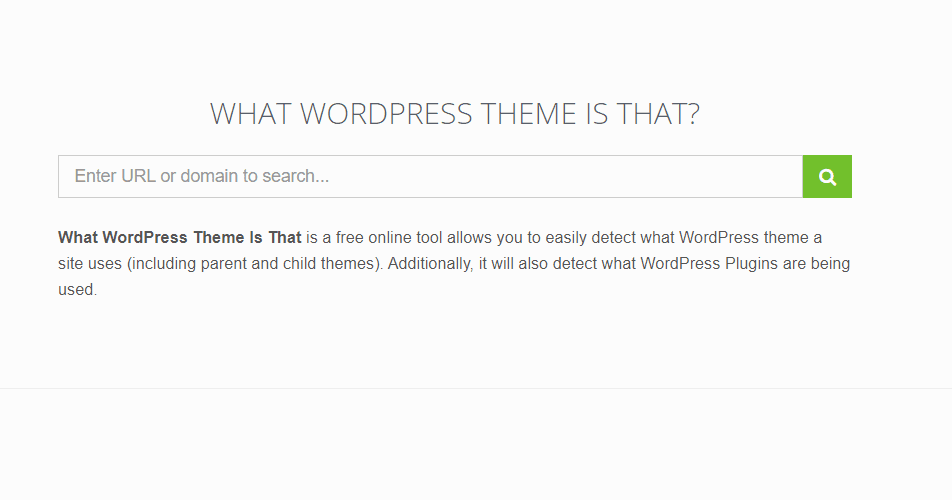
What WordPress Theme Is That
WhatWPThemeIsThat.com is one of the most widely used WordPress theme detectors. Enter any URL and it returns a detailed report showing the active theme name, theme author, theme version, and a list of detected plugins. It performs a real-time scan each time you use it, so results are always current. This makes it a reliable tool for testing whether your WP Ghost configuration is working correctly.
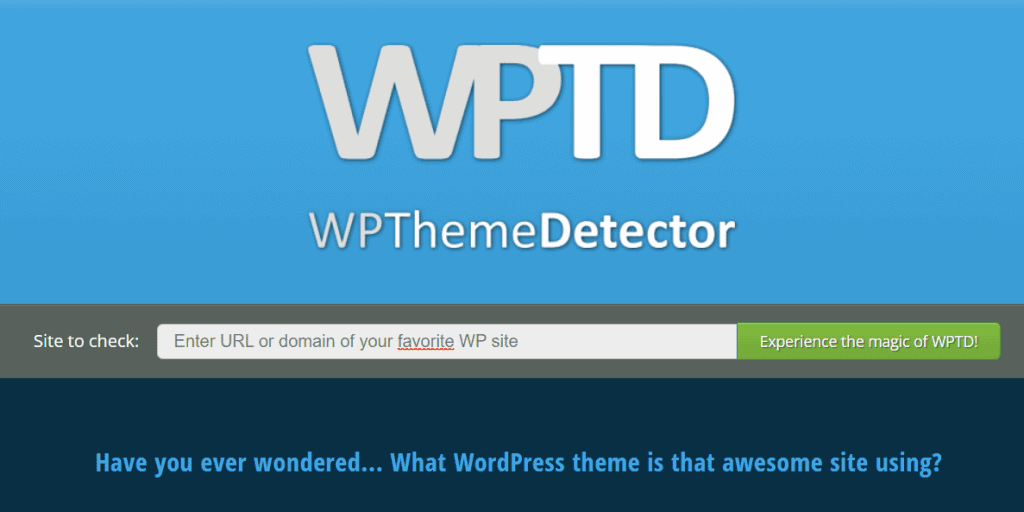
WP Theme Detector
WPThemeDetector.com is another popular free tool that identifies themes and plugins on any WordPress site. It also performs real-time scans and provides detailed reports including theme screenshots, download links, and plugin information. Like WhatWPThemeIsThat, it does not cache results, so you get accurate current data every time.
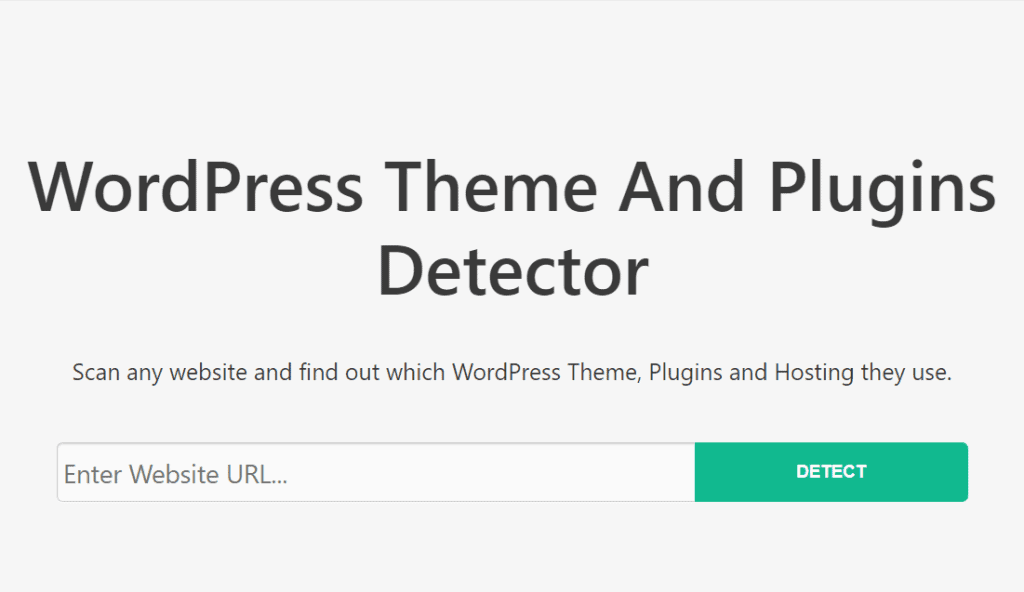
WordPress Theme Detector (WP Detector)
WPDetector.com provides similar functionality. Enter a URL and it returns the theme and plugin information it can identify. It is a real-time scanner and works well for verifying your security configuration.
WhatCMS
WhatCMS.org takes a broader approach. Instead of focusing only on WordPress, it detects the CMS platform itself: WordPress, Joomla, Drupal, Shopify, and others. It performs real-time checks and is useful for confirming whether your site is even identified as WordPress at all.
Detectors to Avoid for Testing
Not all detectors give reliable results for security testing. BuiltWith and IsItWP cache their detection results for weeks or even months. Once they identify your site as WordPress, that result persists long after you have secured your paths. If you test with these tools and still see WordPress detected, it does not mean your configuration is wrong. It means the tool is showing old cached data.
Stick to real-time detectors (WP Theme Detector, WhatWPThemeIsThat, WhatCMS, WP Detector) when verifying your WP Ghost setup. For the full verification process, see How to Verify Your Site Is Protected.
How Theme Detectors Work (And Why That Matters for Security)
Theme detectors are not using any special tricks. They do exactly what hacker bots do: scan your page source code for default WordPress patterns. Specifically, they look for paths containing /wp-content/themes/, the style.css header that contains the theme name and version, JavaScript and CSS file references loaded from default plugin paths, WordPress generator meta tags, and wp-emoji, wp-embed, and other default script handles.
If a free online tool can identify your theme, plugins, and WordPress version in seconds, a hacker bot can do the same thing even faster and immediately launch the matching exploit. This is why path security is not about vanity or hiding from competitors. It is about removing the exact signals that bots use to target your site.
How WP Ghost Makes Your Site Invisible to Theme Detectors
WP Ghost defeats theme detectors by eliminating every signal they rely on. When properly configured, WP Ghost changes all default WordPress paths (/wp-content/, /wp-admin/, /wp-includes/, plugin and theme directory names), removes WordPress fingerprints from the HTML source (generator meta, version tags, style IDs, HTML comments), replaces CSS class names and JavaScript handles using Text Mapping, blocks theme detector crawlers directly at the firewall level, and returns 404 errors for all old default paths.
The result: every real-time theme detector returns “no WordPress detected” or “no theme found.”
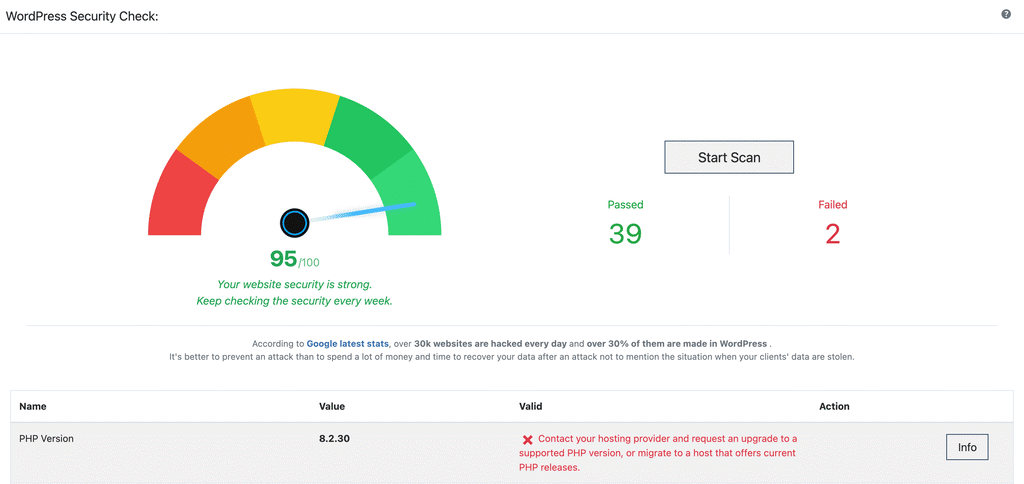
For the complete step-by-step configuration, follow the Hide Your Site From Theme Detectors and Hackers Bots tutorial. To verify your setup is working, use the Security Check feature.
Frequently Asked Questions
Which theme detector should I use to test my WP Ghost setup?
Use real-time detectors that do not cache results: WP Theme Detector (wpthemedetector.com), What WordPress Theme Is That (whatwpthemeisthat.com), WhatCMS (whatcms.org), or WP Detector (wpdetector.com). Avoid BuiltWith and IsItWP as they cache detection data for weeks.
A detector still shows my site as WordPress. Is WP Ghost not working?
First, check which detector you are using. If it is BuiltWith or IsItWP, the result is likely cached from before you configured WP Ghost. Switch to a real-time detector. If a real-time detector still identifies WordPress, view your page source in an incognito window and search for “wp-” to find any remaining fingerprints. Common causes include cached pages, hardcoded theme references, or a text mapping rule you missed.
Is hiding from theme detectors the same as being secure?
No. Hiding from theme detectors is a side effect of proper path security, not the goal. What protects your site is changing default paths, enabling the 8G Firewall, and activating brute force protection. If bots can not find /wp-login.php or /wp-content/plugins/, your site is protected regardless of what a theme detector shows.
Can I block theme detector crawlers entirely?
Yes. WP Ghost includes a Block Theme Detectors Crawlers option in WP Ghost > Firewall > Header Security. This blocks crawlers from WP Theme Detector, BuiltWith, IsItWP, Wappalyzer, WhatCMS, and others at the server level. Combined with path security, this provides complete invisibility.
Do browser extensions like Wappalyzer count as accurate tests?
No. Browser extensions detect WordPress through admin-only signals when you are logged into your dashboard. They also cache results. Never test your security with a browser extension while logged in. Always test in an incognito window where you are not authenticated, or use a completely separate browser profile with no extensions installed.
Does WP Ghost modify WordPress core files?
No. WP Ghost uses server rewrite rules and WordPress hooks to change paths virtually. No core files are moved, renamed, or modified. Deactivating the plugin restores all default paths instantly.