Hide WordPress from BuiltWith: The Signals, the Cached Record, and the Lead Lists
August 29, 2026
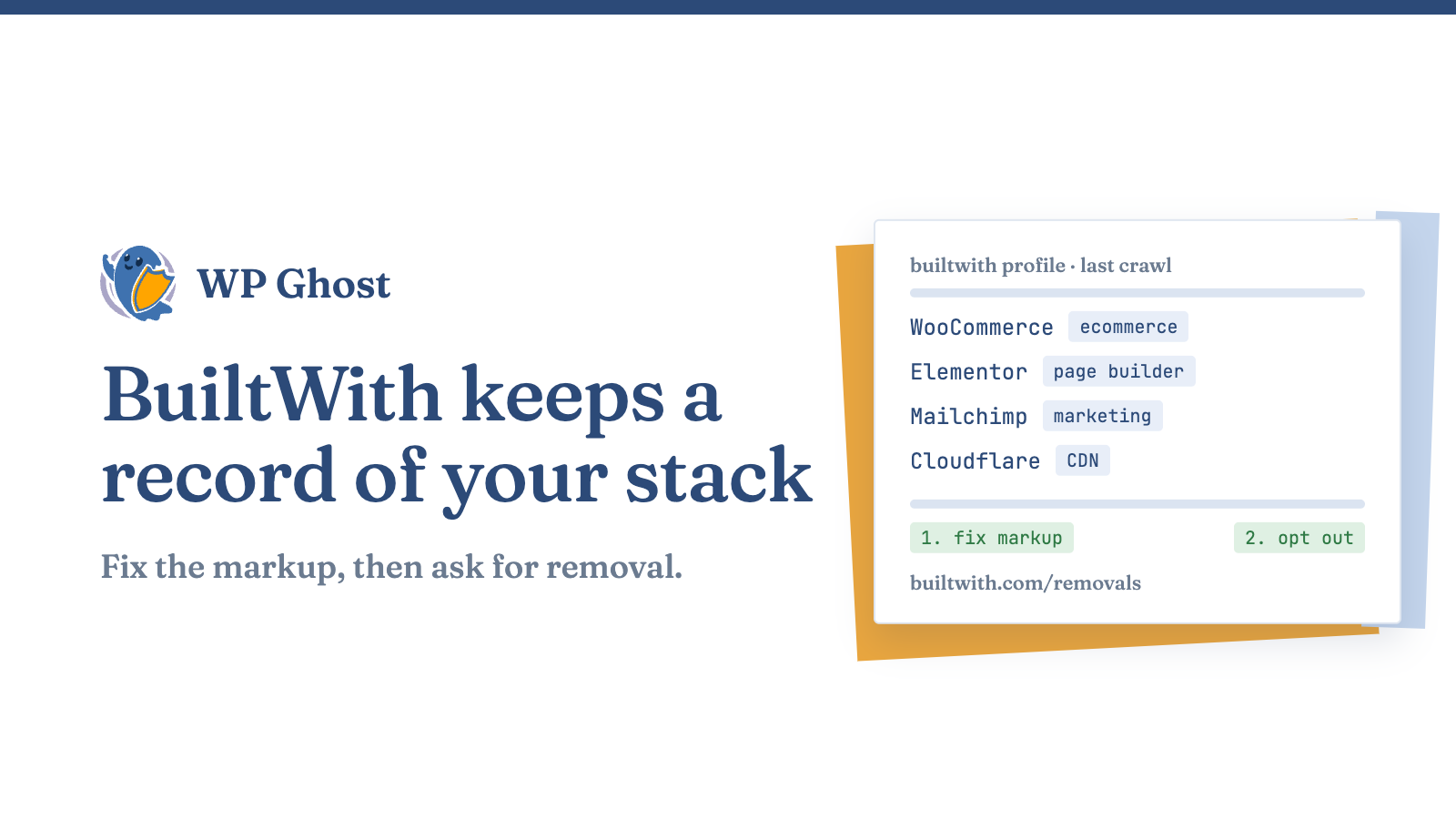
BuiltWith is a crawler, a historical archive and a sales product. It stores what it finds on your site and sells access to lists built from it. Removing your WordPress fingerprints stops future indexing. It does not erase the stored record or lists already exported.
How BuiltWith works
| Trait | What it means for you |
|---|---|
| Stores history | Past technology changes stay on your profile |
| Sells lists | BuiltWith markets “high intent lists using tech signals, spend, and lifecycle events” |
| Broad coverage | It tracks 126,248 internet technologies as of August 2026 |
| Crawls on its own schedule | Your profile can be days or months old |
Automated attack scanning uses the same kind of fingerprint. In 2025, 11,334 new vulnerabilities were recorded across the WordPress ecosystem, up 42% year on year (43 verified WordPress security data points).
Why BuiltWith still shows your old stack
BuiltWith answers from its last crawl, so a correct setup can still show old results. Confirm your configuration with a live-reading detector first. BuiltWith only updates when its crawler comes back.
Step 1: Remove the signals it reads
- Relocate
/wp-content/and/wp-includes/. See customise the wp-content directory. - Remove the generator tag and version strings, including the RSS copy and
?ver=arguments. - Replace class names such as
woocommerce-cartandelementor-widget. Read replace WooCommerce and Elementor class names first and check your layout afterwards. - Return 404 for
readme.html,license.txtandxmlrpc.php. Extend the list with the hidden common files list. - Clean response headers such as
X-Powered-ByandX-Pingback, and relocate/wp-json/.
Steps 1 and 3 remove the most detections and the commercial qualifier, the ecommerce plugin or page builder that makes you a lead.
Step 2: Clear the stored record
- Wait for the recrawl. You do not control the timing.
- Submit the opt-out at builtwith.com/removals after your configuration is live. If you ask before, the profile can repopulate from the old markup.
Step 3: Know what stays
- Lists exported before your changes stay in other people’s CRMs.
- Other profiling services keep their own archives.
- Scripts loaded from a vendor’s own domain stay visible.
The result is that you stop appearing on future lists. It is not retroactive.
Make the signals agree
If you want the profile to read as another CMS, use the CMS Simulator. A Drupal generator tag above a /wp-content/plugins/ path is worse than no claim.
Verify in this order
- Check a live-reading detector first. See the eight signals a live-reading detector matches.
- Read the raw response while logged out with caches purged. Request
/wp-json/,/readme.htmland/xmlrpc.phpdirectly. - Check BuiltWith last. Method: verify your site is hidden from detectors.
What this does not do
- It patches nothing. Update vulnerable plugins first.
- It does not stop a person identifying your CMS by hand. See what path security does not cover.
- It does not hide third-party scripts.
Related guides
- Hide WordPress from every major CMS detector
- The detectors that profile WordPress sites
- The actions behind the result
- Hide WordPress from BuiltWith with the plugin’s settings
FAQ
Does BuiltWith update right after I change my site?
No. It updates on its next crawl.
Can I remove my site from BuiltWith?
Yes. Use the opt-out page after your configuration is live.
Will this stop cold emails?
It stops new listings. Existing exports are out of your hands.