Hide WordPress from BuiltWith: The Signals, the Cached Record, and the Lead Lists

A website's technology signals flowing into a database and out again as unsolicited sales emails

Ten cold emails landed this morning. A checkout optimiser, two abandoned-cart tools, a review widget, a shipping plugin. Every one of them opened by naming your ecommerce stack. You never filled in a form, never downloaded a whitepaper, never talked to any of them. They bought your name from a technology database, and you are on that list because your own markup told it what you run.

BuiltWith is not a browser extension you can outrun. It is a crawler, a historical archive, and a sales product in one. Removing your WordPress fingerprints stops it indexing you tomorrow. It does not erase what it recorded last year, and it cannot recall the lead lists already exported. That gap is what most guides skip, and it is why “I configured everything and BuiltWith still shows WooCommerce” is such a common complaint.

So this is a three-part job: stop producing the signal, clear the stored record, then be realistic about the residue.

BuiltWith is a database, not a detector

The distinction matters for everything below. A live-reading detector fetches your page when someone asks and answers from what it sees right now, which means a clean configuration shows clean results within minutes. BuiltWith works the other way round. It crawls on its own schedule, stores what it found, and serves that stored profile to anyone who looks you up, including a paying customer filtering the entire web.

Three consequences follow.

It keeps history. A BuiltWith profile shows technology churn over time: what you added, what you dropped, when you switched. Present-tense cleanliness does not remove a past-tense record.

It sells access. BuiltWith markets “high intent lists using tech signals, spend, and lifecycle events, pushed directly into your CRM and fully exportable”. Its public lists let anyone browse every site running a given plugin. Your stack is the product, and you are the inventory.

It is broad. BuiltWith states it covers 126,248 internet technologies as of August 2026. Ecommerce and page-builder plugins are among the most commercially valuable detections, which is why a WooCommerce site attracts more unsolicited mail than a plain blog.

None of that is an attack. It is legal, public, and openly sold. It is also why competitive intelligence and attacker reconnaissance draw from the same well: the profile that tells a SaaS vendor you run an ecommerce plugin tells a bot which plugin family to probe for a public CVE. In 2025, 11,334 new vulnerabilities were recorded across the WordPress ecosystem, a 42% year-on-year rise (43 verified WordPress security data points). Automated scanning filters by fingerprint before it fires.

You configured everything and BuiltWith still shows WooCommerce

This is the moment people conclude their setup failed. It usually has not.

BuiltWith is answering from its last crawl. Depending on your domain’s traffic and its recrawl priority, that snapshot can be days or months old, and nothing you change on the server updates it until the crawler returns. Test with a live-reading detector to confirm your configuration works, then treat BuiltWith as a separate, slower problem with its own remedy.

The practical rule: a live detector proves your configuration. BuiltWith proves the calendar.

The three-part job

Three-stage diagram showing WordPress signals crawled into a stored BuiltWith profile, sold as lead lists, and the three remediation steps against each stage

Part 1: remove the signals the crawler reads

BuiltWith’s crawler reads the same public surfaces any profiler reads. Work these in order.

  1. Relocate /wp-content/ and /wp-includes/. Every stylesheet, script and image URL currently spells out your CMS, and the folder names underneath spell out your theme and plugins. Start with customise the wp-content directory. This single change removes more detections than the other seven combined.
  2. Remove the generator tag and version strings, including the copy in your RSS feed and the ?ver= arguments on enqueued assets.
  3. Replace the commercially valuable class names. woocommerce-cart, elementor-widget and their relatives are what make you a qualified lead rather than an anonymous WordPress site. This is the highest-value step for the cold-email problem specifically, and the one with real trade-offs, so read replace WooCommerce and Elementor class names before you enable it and check your layout afterwards.
  4. Return 404 for the standard files. readme.html, license.txt, xmlrpc.php and the RSD link each confirm the CMS on their own. If your stack ships others, add them to the hidden common files list rather than blocking them one at a time.
  5. Clean the response headers and relocate the REST API endpoint, so X-Powered-By, X-Pingback and /wp-json/ stop confirming what the HTML no longer says.

The version I would ship first is steps 1 and 3. They take an afternoon with a staging check, and between them they remove both the CMS detection and the commercial qualifier that makes the CMS detection worth money to somebody.

Part 2: clear the stored record

Configuration alone leaves the old profile intact. Two things move it.

  • Wait for the recrawl. BuiltWith will refresh you eventually and the new snapshot will reflect your current markup. You do not control the timing.
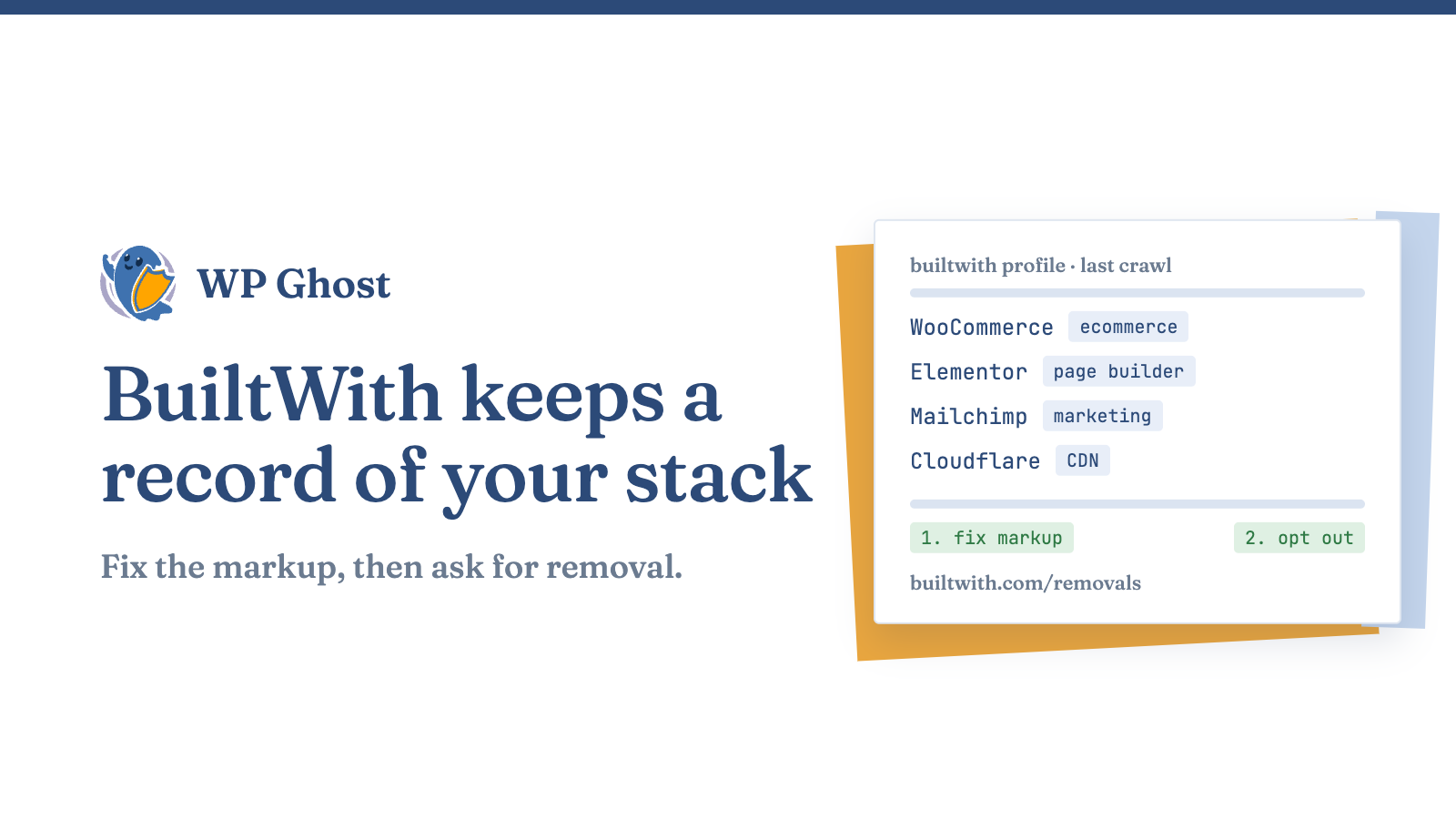
  • Ask for removal. BuiltWith runs an opt-out at builtwith.com/removals that takes your domain out of its lookup service. Submit it after your configuration is live, not before, so the profile does not simply repopulate from an unchanged site on the next pass.

Order matters here. Requesting removal while your markup still advertises WooCommerce buys you nothing.

Part 3: what you cannot undo

Be honest with yourself about this part, because no plugin fixes it.

Lists exported before your changes are already sitting in other people’s CRMs. Those contacts do not expire when your profile does, and the cold emails will keep arriving for a while. Other profiling services keep their own independent archives. And the historical churn record, once published, has been seen.

What you are actually buying is a stop to future acquisition. Twelve months from now you are not on the current lists. That is a real outcome and worth the afternoon; it is just not retroactive, and anyone promising you otherwise is selling something.

Which signals actually feed the lead list

Worth separating, because the commercially interesting detections are a subset of the CMS ones. A profiler that only knows you run WordPress has told a salesperson very little. What qualifies you as a lead is the layer above the CMS: the ecommerce plugin, the page builder, the analytics suite, the payment gateway, the CDN, the marketing automation tag.

Those live in class names, in script URLs pointing at third-party domains, and in the plugin folder names under /wp-content/plugins/. Relocating the core paths hides the folder names. Class-name replacement handles the markup. Third-party scripts loaded from a vendor’s own domain cannot be masked at all, and you should not try; if you use a hosted analytics or chat product, that detection is permanent and unremarkable.

If you want the profile to read as something else entirely rather than as an unknown, the signals have to agree with each other, which is what simulate Drupal or Joomla with the CMS Simulator is for. A generator tag claiming Drupal above a /wp-content/plugins/ path is worse than no claim at all.

Verify in the right order

  1. Check a live-reading detector first. It reflects your configuration immediately and tells you whether the work landed. Details in the eight signals a live-reading detector matches.
  2. Read the raw response, not the rendered page. View source, inspect the response headers, and request /wp-json/, /readme.html and /xmlrpc.php directly. Do it logged out, with every cache purged.
  3. Only then check BuiltWith, and expect it to lag. Full method in verify your site is hidden from detectors.

Testing BuiltWith first and concluding the configuration failed is the single most common way people abandon a setup that was working.

What this does not do

It patches nothing. If a plugin you run has an unpatched vulnerability, removing its name from a database does not remove the vulnerability. Update first, then reduce the surface. The honest boundary of the technique is written up in what path security does not cover.

It does not make you invisible to a person. Anyone determined to identify your CMS by hand, with time and a browser, will manage it. What breaks is the automated, at-scale version: the crawl that indexes you, the filter that qualifies you, the sweep that probes you.

And it does not touch third-party scripts. Anything loaded from a vendor’s own domain is visible by construction.

A correctly configured setup can also stop a WordPress-specific vulnerability scanner from returning a usable fingerprint, but that outcome depends on completing the full path and tweak configuration. It is not what any single toggle does on its own.

Where this fits

BuiltWith is one profiler with an unusually long memory. The same underlying signals feed every other technology-profiling service, which is why the work generalises: run the pillar guide on hide WordPress from every major CMS detector once and the whole category goes quiet together, at their various speeds. Compare behaviours across the detectors that profile WordPress sites, and for the actions behind the result, work the footprint guide. For BuiltWith’s own configuration and cache-clearing steps in tutorial form, see hide WordPress from BuiltWith with the plugin’s settings.

FAQ

How long until BuiltWith stops showing my old stack?

Until its crawler returns, which you do not control and which varies by domain. A removal request at builtwith.com/removals is the only lever you have. Submit it after your configuration is live, and use a live-reading detector in the meantime to confirm the work itself is correct.

Will a removal request stop the cold emails?

Eventually, and only the new ones. Lists exported before your change are already in other people’s systems and will keep producing mail for months. You are stopping future acquisition, not recalling past sales.

Is it legal to remove my technology fingerprints?

Yes. Nothing requires you to disclose your CMS, your plugins or your hosting, any more than you are required to declare your JavaScript framework. Requesting removal from a commercial database is a normal privacy action, not evasion.

Will relocating wp-content break my site?

It can, mainly with page builders and anything holding hard-coded asset URLs. Apply it in staging, check the builder’s editor as well as the front end, and keep a rollback path. Generator, header and file-blocking changes carry no such risk.

Does removing the plugin class names hurt performance?

Class-name replacement rewrites HTML, CSS and JS output on the fly, so it has a measurable cost. Enable it last, after the cheaper steps, and measure before and after on a real page.

Isn’t this just security through obscurity?

Obscurity is hiding a key under the mat, leaving the lock as weak as it was. Returning a 404 at the rewrite layer means the resource is never served and never executes, which removes attack surface rather than concealing it. It is a complement to patching, never a replacement.

My competitors already know what I use. Why bother?

Because the audience is not only your competitors. It is every automated sweep filtering the web by technology, commercial and hostile alike. Being unindexed does not hide you from someone who already knows; it takes you out of the lists nobody has bought yet.