How to Block Bad Bots in WordPress
November 12, 2026
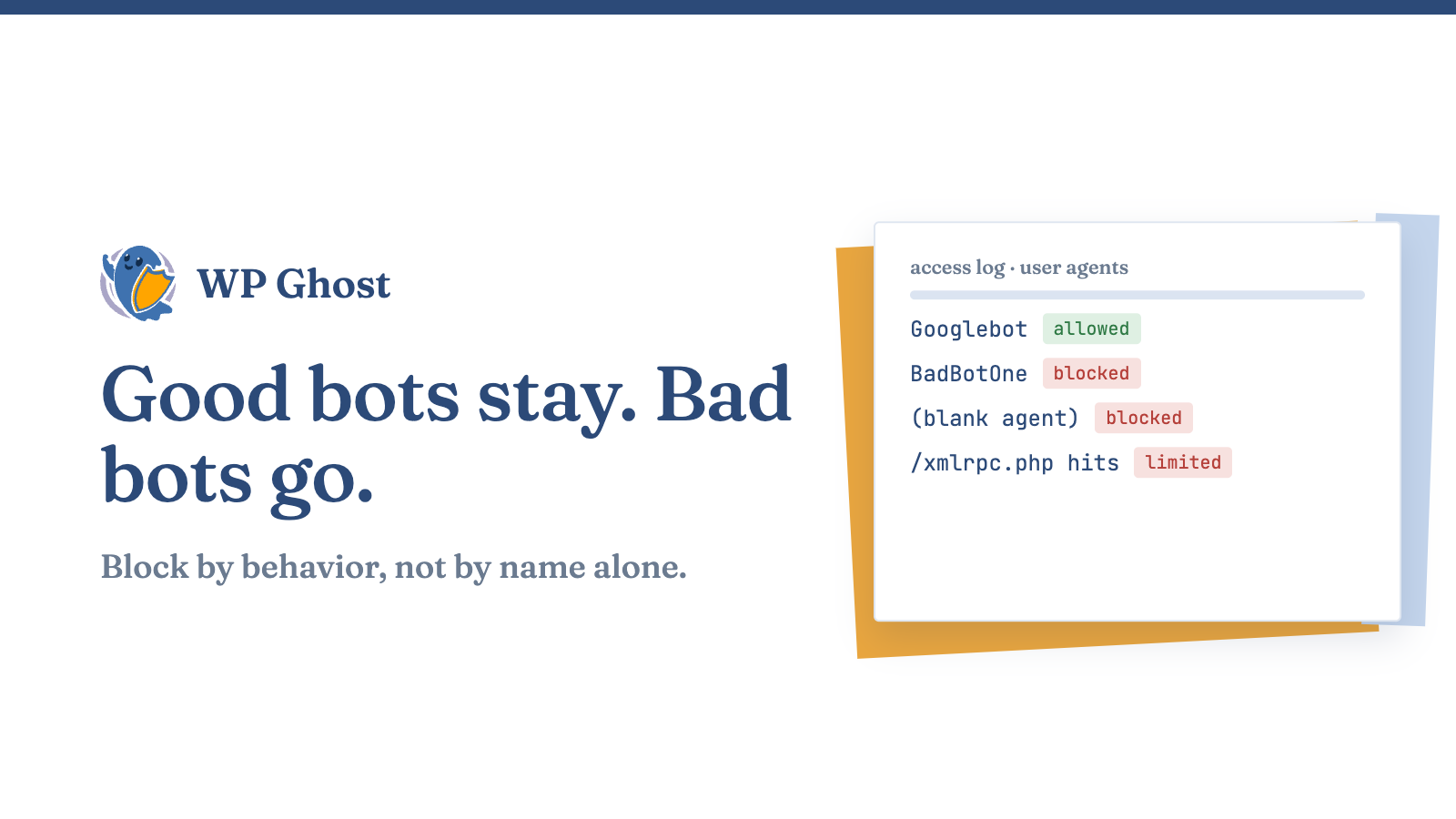
Open your server access log and sort requests by user agent. On most sites a few names you’ve never heard of account for a large share of the traffic.
Some of those are search crawlers you want. Many are scrapers, scanners and password guessers that cost you bandwidth and CPU for nothing.
Tell good bots from bad ones
Googlebot and Bingbot identify themselves and respect robots.txt. Bad bots ignore it. They hit /wp-login.php, /xmlrpc.php and paths like /wp-content/plugins/ over and over, often with a blank or fake user agent.
Don’t block by user agent alone. It’s easy to fake. Block by behavior as well.
Block known bad user agents
On Apache, add a rule to .htaccess for the agents you’ve seen in your logs. Replace the names with your own.
RewriteCond %{HTTP_USER_AGENT} (BadBotOne|BadBotTwo) [NC]
RewriteRule .* - [F,L]
This is a short-term fix. The list goes stale, and a bot can change its name in a minute.
Use a firewall ruleset
A maintained ruleset beats a hand-made list. The 7G and 8G rulesets come from Perishable Press and filter bad user agents, odd query strings and common probe requests at the server. WP Ghost includes them, and you can read how they work in the 8G firewall announcement and the 7G firewall guide.
Keep in mind that a firewall ruleset is only as current as its last update. Check that it updates with the plugin.
Slow down login guessing
Bots love the login form. Limit the number of tries per address with brute force protection. Move the login URL as well, using the steps to change your login path. Bots that look for /wp-login.php get a 404 and move on.
Block whole countries only if you have a reason
If you never get customers from a region and see constant attacks from it, geo security can block it. It also blocks real people, so don’t use it on a store that ships worldwide.
Check what changed
Watch the access log for a day after each change. You should see fewer requests to login and XML-RPC, and more 403 and 404 responses for the probe paths. If a real tool or partner stops working, check the logs for what they were blocked on.
FAQ
Will blocking bots hurt my rankings?
Not if Googlebot and Bingbot stay allowed.
Can robots.txt block bad bots?
No. Bad bots ignore it, so use server rules or a firewall.
How do I spot a fake Googlebot?
Run a reverse DNS lookup on the address. A real one resolves to a Google hostname.
Do bot rules slow the site down?
Server-level rules are cheap, and blocking early saves work.