How to Remove the WordPress Meta Generator Tag (Every Place It Leaks)
September 14, 2026
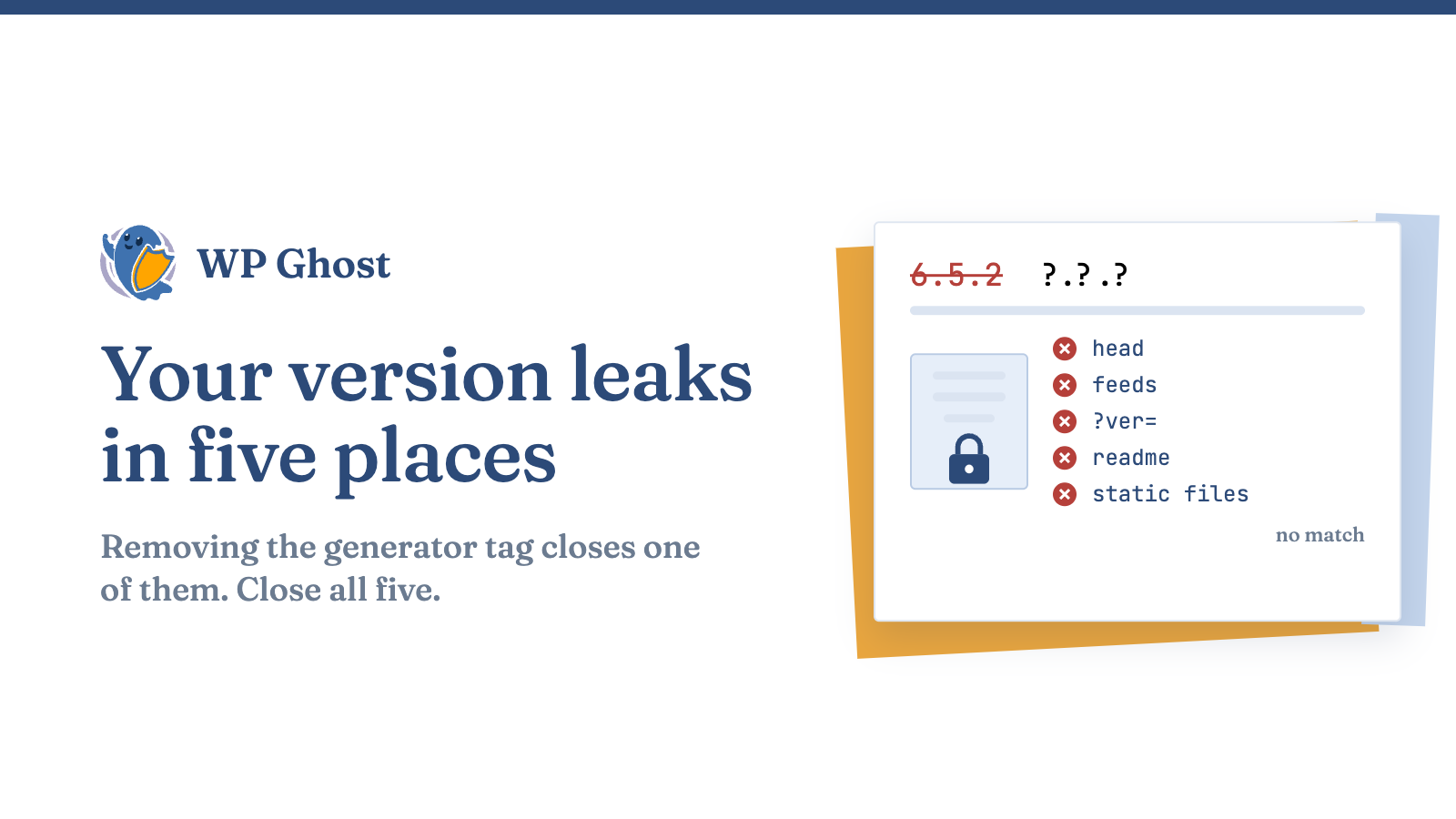
WordPress announces its version in several places. Removing the generator tag in wp_head is not enough, because the RSS feed, ?ver= query strings and static files still show it. This guide lists every place and how to close each one.
Why your WordPress version is worth removing
Bots read your version and match it against known vulnerabilities for that release. This is information disclosure, CWE-200.
The five places WordPress leaks its version
| Where | What it shows |
|---|---|
| The generator meta tag in the HTML head | <meta name="generator" content="WordPress 6.5.2" />. The one you already found |
| RSS and Atom feeds | Every feed has its own <generator> element with the version. remove_action('wp_head', 'wp_generator') doesn’t touch it |
The ?ver= query string | Added to every enqueued script and stylesheet, such as style.css?ver=6.5.2. It’s easy to miss because it sits on asset URLs, not in the page body |
readme.html in your site root | A static file that states the major version in plain text. Anyone can request it directly |
| The RSD link and other head references | Smaller signals that add up to the same fingerprint |
Remove the version everywhere with one setting
WP Ghost’s information-disclosure removal handles the head, the feeds, the ?ver= strings and the static files together.
Two how-tos cover the basics: remove the generator meta tag for the head, and strip the WordPress version everywhere it leaks for the feeds, query strings and static files.
Your meta tags can leak more than the version
Check that the version is really gone
- View Source on the homepage. Search for “generator” and for your version number. Neither should appear.
- Open your feed at
/feed/. Search for<generator>and the version. Both should be gone. - Inspect an asset URL. Look at a loaded
.cssor.jsfile in dev tools. The?ver=should be removed or set to a neutral value. - Request
readme.htmldirectly. It should return 404. - Search the raw HTML for your version string across head and body. Zero matches is the goal.
On a live site, turn on the one-click removal first, then delete readme.html by hand as a backup, since some hosts keep static files after a plugin’s cleanup.
What removing the version does and doesn’t do
FAQ
Does removing the generator tag hide my WordPress version completely?
No. The version also appears in feeds, query strings and static files.
Will removing the WordPress version break my site or my feeds?
No. It only removes the version text.
Is hiding my WordPress version enough to secure my site?
No. Keep WordPress updated.
Do I still need to delete readme.html manually?
Often, yes. Some hosts keep it after an update.