How to Disable XML-RPC in WordPress
October 22, 2026
Open example.com/xmlrpc.php in a browser. If you see the text “XML-RPC server accepts POST requests only”, the file is live and answering strangers.
That file is a leftover from the days before the REST API. Mobile apps and remote publishing tools used it to talk to WordPress. Most sites today use none of that, and the file still sits there with its doors open.
Why attackers like xmlrpc.php
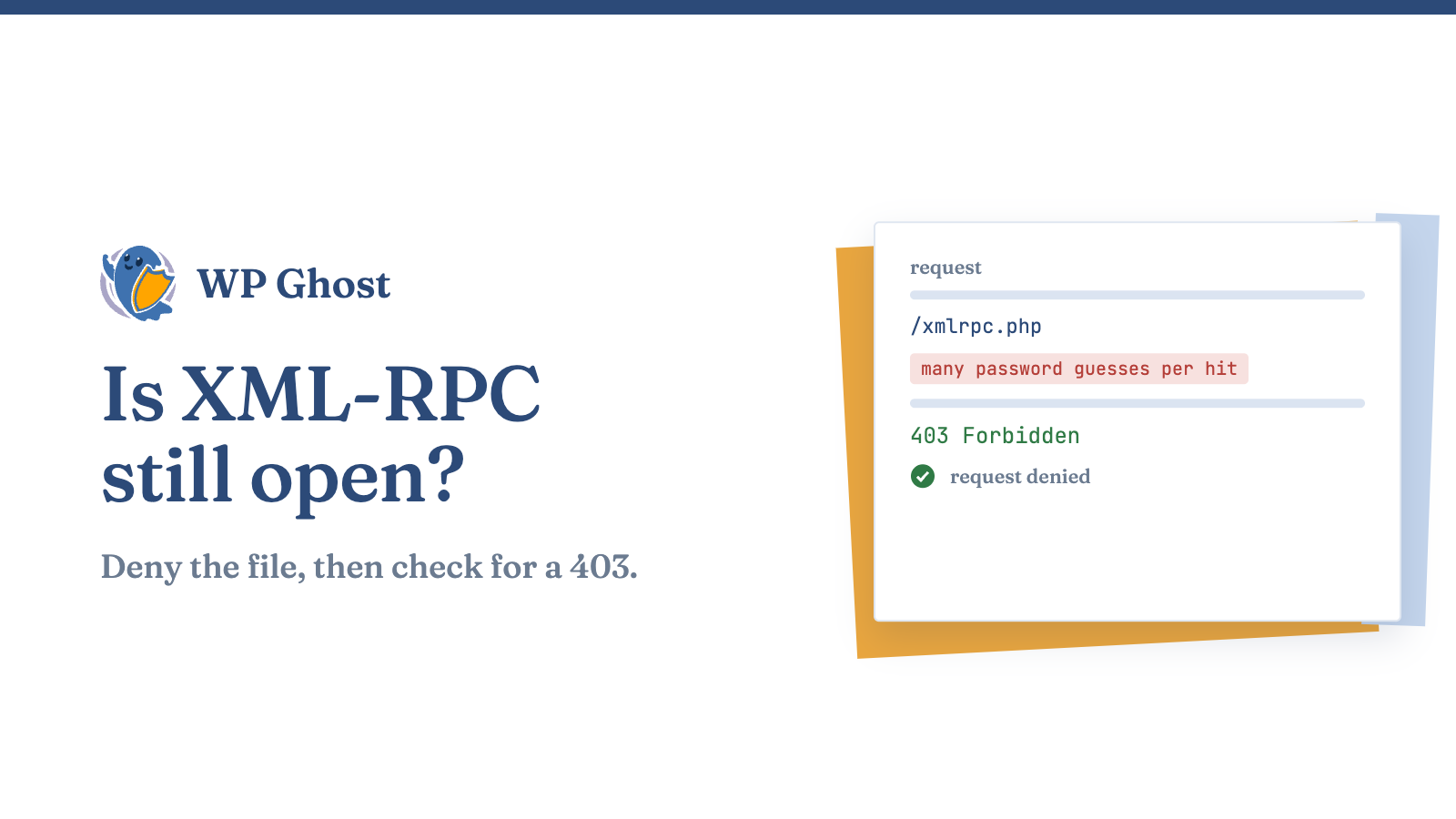
The file accepts login attempts. One request can carry many username and password guesses through a method called system.multicall, so a bot tries hundreds of passwords in a single hit. Your login page never sees most of it.
It also supports pingbacks. Those can be abused to make your site send traffic to a target, which is how a small blog ends up helping in someone else’s attack.
Check whether you need it
Plugins that connect your site to WordPress.com can still use xmlrpc.php for that link.
Test on a staging copy if a plugin connects your site to WordPress.com or you post from a remote publishing tool.
If you use none of those, turn it off. If you aren’t sure, turn it off on a staging copy first and see what breaks.
Disable it on Apache
Add this to the .htaccess file in your site root.
<Files xmlrpc.php>
  Require all denied
</Files>
On older Apache 2.2 servers the line is Order deny,allow followed by Deny from all. Requests now get a 403 before WordPress loads at all, which also saves server work.
Disable it on Nginx
Add this inside your server block, then reload Nginx.
location = /xmlrpc.php {
  deny all;
}
Disable it with WP Ghost
If you would rather not touch server files, WP Ghost has a setting for it. The steps are in the guide to disabling XML-RPC with WP Ghost. It’s one toggle, and it keeps working after a host migration, which a hand-edited .htaccess often doesn’t.
Check that it’s closed
Reload example.com/xmlrpc.php. You want a 403 or a 404. Then run the Website Security Check, and test again after your next host move.
Bots can still guess passwords at your login page. Add brute force protection, and see the complete hack prevention guide for the next steps.
FAQ
Will disabling XML-RPC break my site?
Only if a plugin or app still uses it. Test on a staging copy if a plugin connects your site to WordPress.com or you post from a remote publishing tool.
Does the REST API replace XML-RPC?
For almost everything, yes. XML-RPC stays for backward compatibility.
Can I just rename xmlrpc.php?
Updates can put the file back. A server rule that denies the request holds up better.
How do I spot an attack on xmlrpc.php?
Look in your access logs for repeated POST requests to /xmlrpc.php from a few addresses.