How to Change Your WordPress Login Slug Without Breaking Anything
September 23, 2026
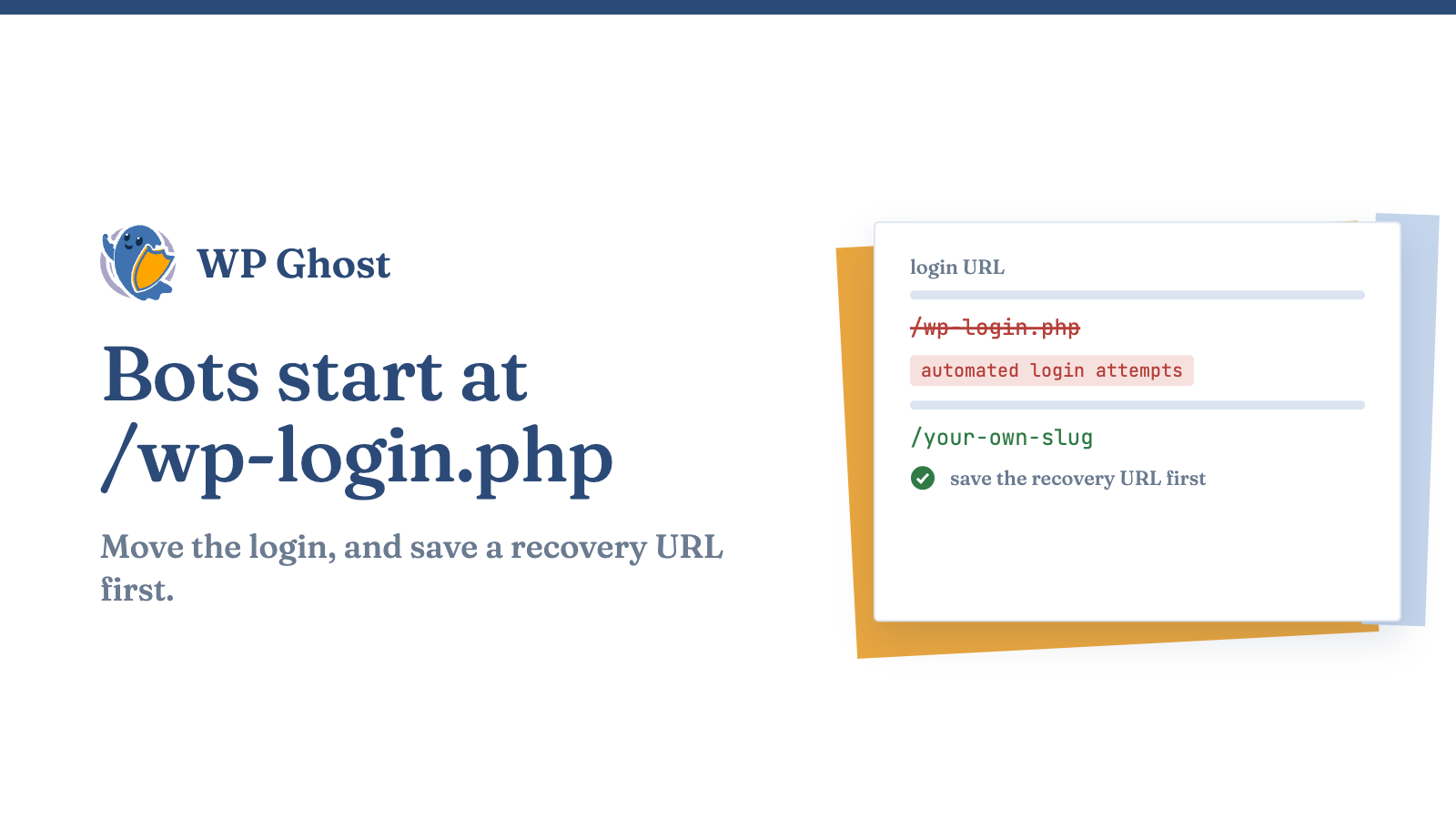
Brute-force bots target /wp-login.php on every WordPress site. A custom login URL takes your site off that list.
Why /wp-login.php is the first door every bot tries
Why login-slug changes break sites
Update every place the old URL appears:
| What breaks | Why |
|---|---|
| Membership and community plugins | They hard-code /wp-login.php in their own redirects and forms |
| WooCommerce emails | “Log in to your account” and password-reset links point at the default path |
| Bookmarks and SSO flows | They expect the standard endpoint |
| Redirect loops | The old path is blocked, but something still routes to it |
WP Ghost’s login-path features change the slug and update those references together.
How to change your login slug, step by step
On a live store or membership site, save a recovery URL before you start. Don’t edit .htaccess by hand.
- Save a recovery URL first. Write down the emergency-access URL your tool gives you and keep it off your site. It’s your way back in if something goes wrong.
- Pick a slug nobody would guess. No dictionary words. Then set it as your WordPress login path.
- Change the wp-admin path too. /wp-admin/ is the second default door. Our guide to changing your wp-admin URL has the options.
- Test the user-facing flows. Log out and try the new login URL. Then try a password reset, a WooCommerce account login from an email link and a membership login, if you have them.
- Check that the old paths are closed. Visit /wp-login.php and /wp-admin/ while logged out. Neither should show a working login form.
- Add rate limiting. A hidden login still benefits from limits. Turn on brute-force protection so anyone who finds the page gets throttled.
What a login-slug change does and doesn’t do
A hidden slug does not replace strong passwords, rate limiting or two-factor authentication. The complete hack prevention guide shows how the layers fit together.
FAQ
Will changing my login slug break WooCommerce or membership plugins?
It can, if you do it by hand.
What happens if I get locked out after changing the login URL?
Save a recovery URL before you change the slug and use it to get back in.
Is changing the login slug enough to stop brute-force attacks?
No, but it stops most of the noise.
Can I change my login slug without a plugin?
Yes, with an .htaccess RewriteRule.