WordPress Cloudflare Security Setup: What to Turn On
November 19, 2026
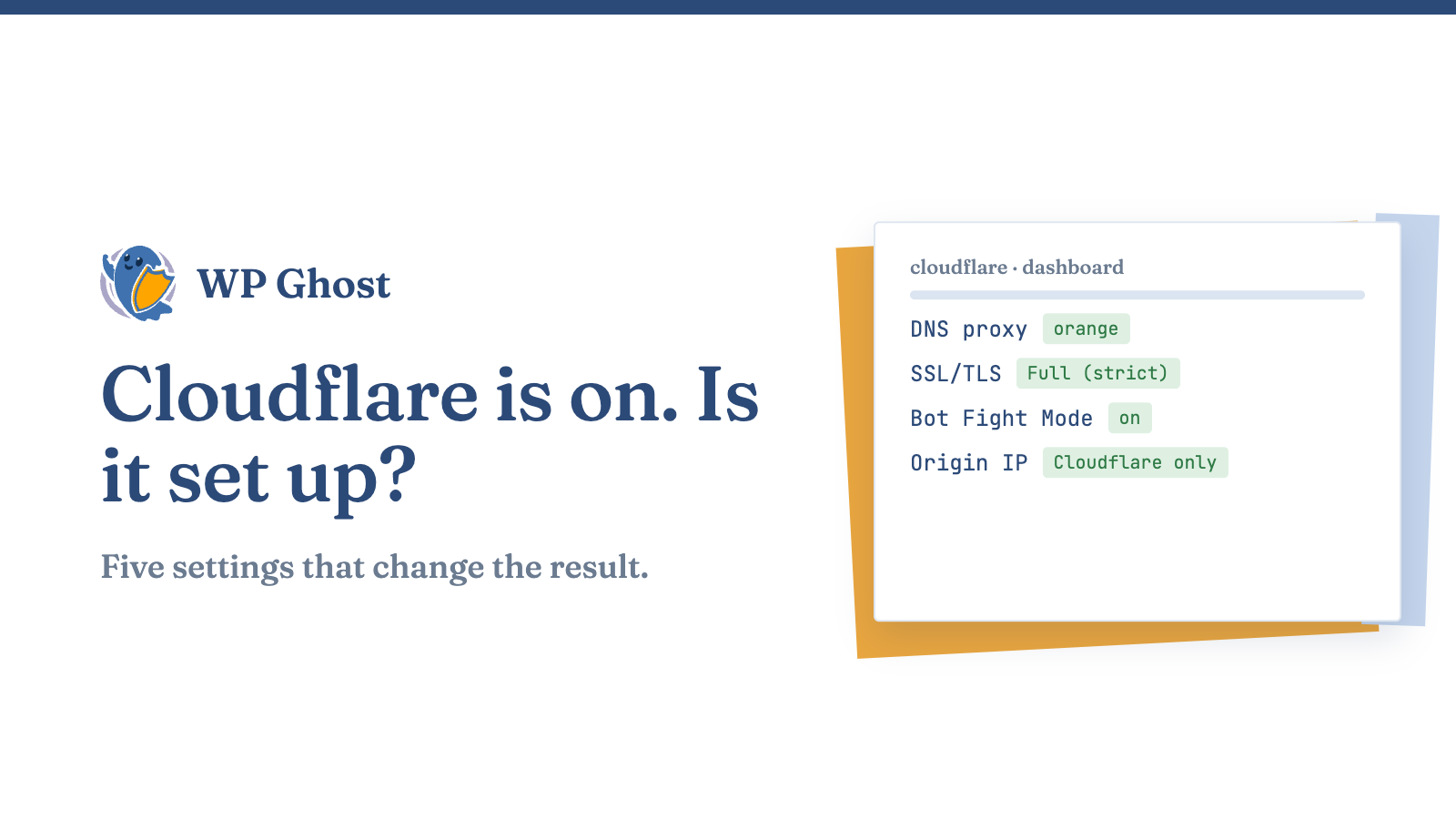
If your site sits behind Cloudflare, attackers hit Cloudflare first and your server second. That’s the point, and it only works when you set it up properly.
A free Cloudflare account takes a few minutes to connect. The default settings still leave gaps, and a few of them can lock you out of your own dashboard.
What Cloudflare does for a WordPress site
Cloudflare sits between visitors and your server. It caches static files, filters traffic with its web application firewall and absorbs floods of requests. Your server’s real address stays behind the proxy as long as you keep it that way.
It doesn’t know your WordPress install. It doesn’t know which plugin is outdated or which user is an admin. That part stays your job.
Turn the proxy on
In the DNS settings, the cloud next to your domain should be orange. Orange means traffic goes through Cloudflare. Grey means it goes straight to your server and nothing is filtered.
Leave records you use for mail or SSH as grey, since the proxy only handles web traffic.
Set encryption to Full (strict)
Under SSL/TLS, pick Full (strict). It needs a valid certificate on your origin server. The weaker “Flexible” mode sends traffic from Cloudflare to your server unencrypted, and it causes redirect loops on many WordPress sites.
Turn on the firewall rules
Switch on the managed WAF rules in the Security section. Then turn on Bot Fight Mode. If you see false positives, such as your own payment gateway being blocked, add an exception for that path instead of switching the rule off.
Don’t cache the admin
Make sure your cache rules skip /wp-admin/, /wp-login.php and logged-in users. A cached login page is a very bad day. If you’ve changed your login path, add the new path to the bypass list too.
Lock your origin server
This is the step people miss. If an attacker finds your server’s real IP, they can bypass Cloudflare completely. Allow web traffic only from Cloudflare’s published IP ranges at the server firewall. Cloudflare keeps the current list at cloudflare.com/ips.
Old DNS records, mail headers and a forgotten subdomain are the usual ways the real address leaks.
Fix the visitor IP address
Behind a proxy, WordPress sees Cloudflare’s address for every visitor. Brute force protection then counts everyone as one person, which is how real users get locked out. Make sure your security plugin reads the CF-Connecting-IP header. Check that setting before you rely on login limits. If you also map URLs for a CDN, the CDN URL mapping guide is the place to start.
Cloudflare and WP Ghost cover different layers
Cloudflare filters traffic before it reaches you. WP Ghost works inside WordPress: it changes default paths, adds brute force protection and runs the 7G and 8G rulesets at the origin. If one layer misses a request, the other still gets a turn.
For the full list of hardening steps, see the complete hack prevention guide.
FAQ
Is the free plan enough?
For most small sites, yes. Bigger shops usually want more firewall rules.
Why do I get a redirect loop?
Usually the SSL mode is Flexible while WordPress forces HTTPS. Switch to Full (strict).
Should I cache everything?
No. Skip the admin, login, cart and checkout.
Can attackers still reach my server directly?
Yes, if they know its real IP. Allow only Cloudflare’s ranges at the server firewall.