How to Restrict the WordPress REST API
October 29, 2026
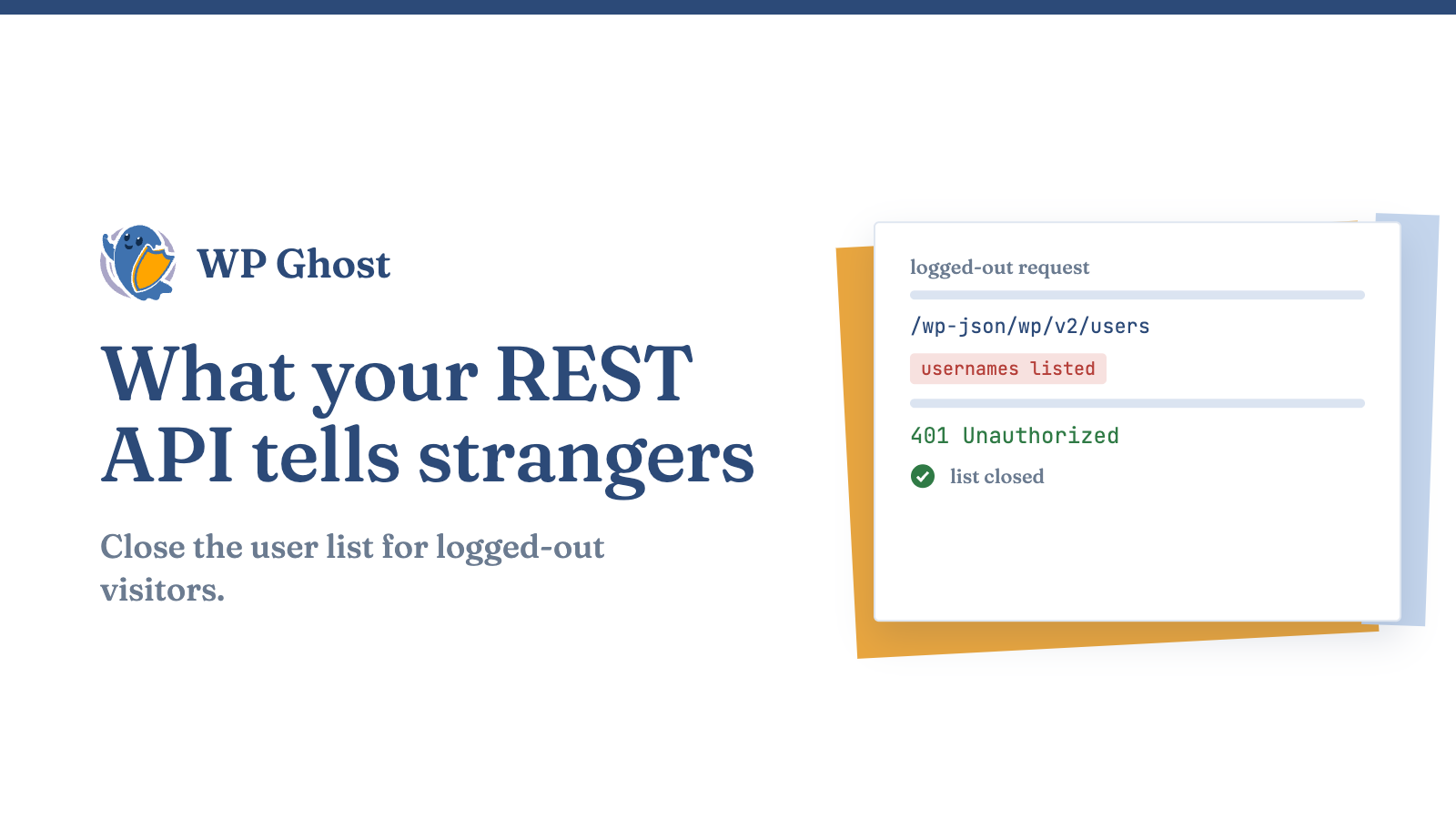
Visit example.com/wp-json/wp/v2/users in a private browser window. On many sites you get a list of usernames, no login needed.
The WordPress REST API is on by default, and it answers anyone who asks. Parts of it are needed. Parts of it just give strangers a free look at how your site is built.
What the REST API shows a stranger
Two endpoints do most of the damage. /wp-json/wp/v2/users can list your authors and their usernames. /wp-json/ itself lists the plugins that register routes, which tells a scanner what you run.
That’s a head start for anyone planning a password attack or picking an exploit.
Don’t switch it off completely
The block editor uses the REST API. So do many plugins, contact forms and page builders. Turn it off for everyone and your editor stops saving.
The safer move is to restrict it for people who aren’t logged in.
Restrict it for logged-out visitors
Add this to your theme’s functions.php or a small custom plugin. It returns an error for anyone who isn’t signed in.
add_filter('rest_authentication_errors', function ($result) {
    if (!empty($result)) {
        return $result;
    }
    if (!is_user_logged_in()) {
        return new WP_Error('rest_forbidden', 'Not allowed.', array('status' => 401));
    }
    return $result;
});
Some public features break with this. A headless front end, a contact form that posts to the API, or an app reading your posts will all need a login or an exception. Test your forms right after you add it.
Change the API path instead
Another option is to move /wp-json/ to a path of your own, so scanners that look for the default find a 404. WP Ghost does this, and the steps are in the guide to changing the REST API path.
I’d ship the path change first on a public site, because it breaks fewer features than blocking logged-out access. The login restriction is stricter and fits sites with no public API use.
Check the result
Open /wp-json/wp/v2/users again in a private window. You want a 401, a 403 or a 404, not a list of names. Then open the editor and save a draft to confirm it still works.
Also look at the author path and ID settings, since author archives leak the same usernames by another route.
FAQ
Is the REST API a security risk?
It lists usernames and routes to anyone by default. Restricting it for logged-out visitors closes most of that.
Can I disable it without breaking Gutenberg?
Not fully, since the editor needs it. Restrict logged-out access or change the path instead.
Will changing the path break plugins?
Plugins that use WordPress functions follow the new path. Test forms and integrations that have the old one typed in.
How do I see if my users are exposed?
Visit /wp-json/wp/v2/users while logged out. Usernames in the response mean they’re exposed.