
How to Change the wp-includes Path in WordPress
November 26, 2026
Open example.com/wp-includes/ in your browser. Then view the source of any page and search for “wp-includes”.
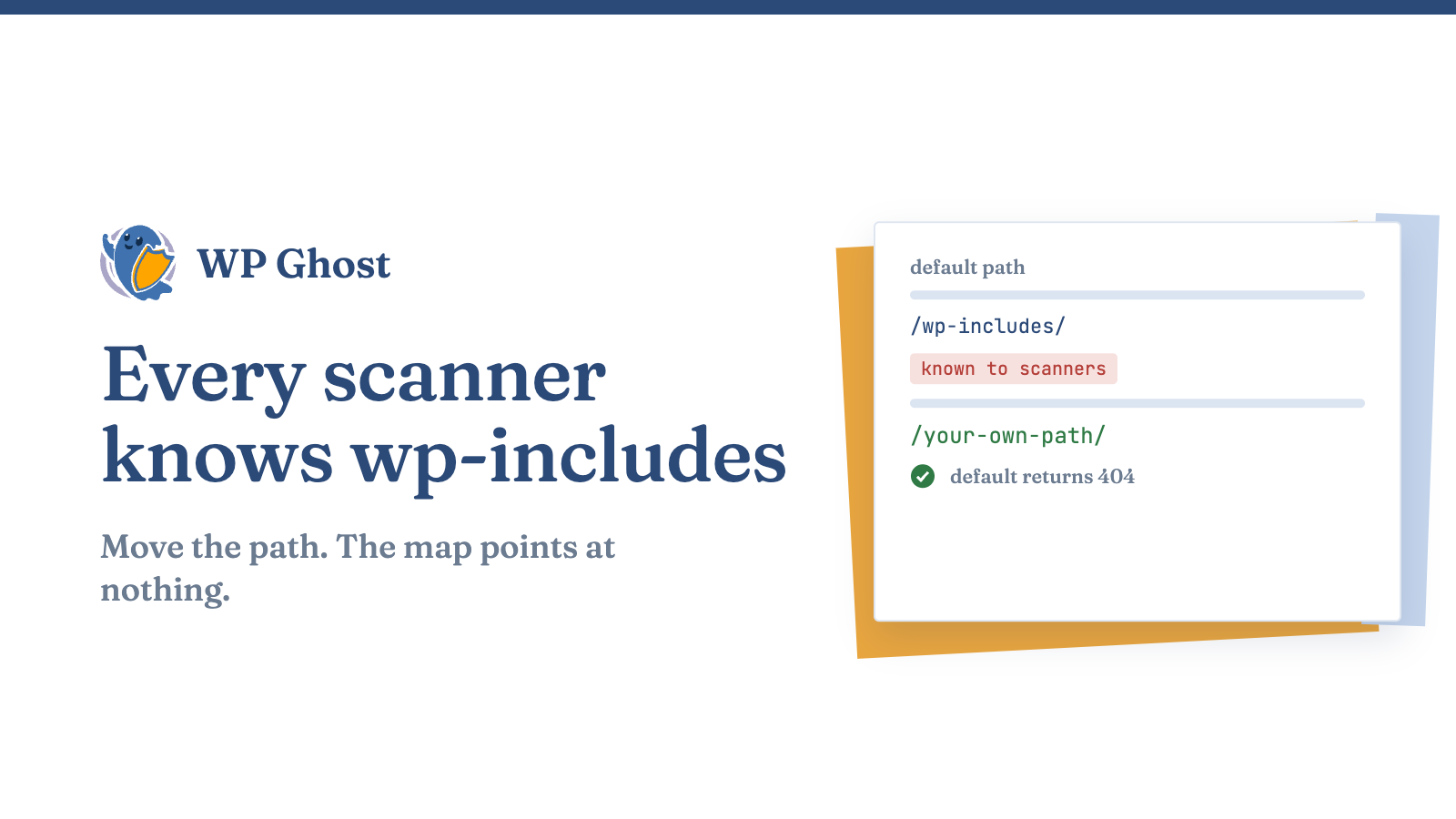
Every WordPress site serves scripts and styles from that folder. The name is the same on all of them, and that makes it a sign scanners look for.
Why the folder name matters
Scanners and detector tools check for known paths. A request to /wp-includes/js/jquery/jquery.min.js returning a file is enough for them to say “this is WordPress.” It also tells them roughly which version, since file contents change between releases.
Changing the path doesn’t fix a vulnerability. It breaks the automated step that finds your site in the first place.
What you can and can’t do by hand
You can’t just rename the folder. WordPress core, plugins and themes all expect it where it is. A manual rename breaks the site on the next update.
What works is a rewrite rule. The public URL changes, and the server maps it to the real folder, so nothing on disk moves. That’s how plugins that change paths work.
Change the path with WP Ghost
The steps are in the guide to changing the wp-includes path. In short, open Change Paths, pick a new name for the folder and save. WP Ghost rewrites the URLs in your pages and adds the server rules.
Do it on a staging copy first. Cache plugins, minifiers and CDNs hold old URLs, so clear them after saving.
Block direct PHP access inside wp-includes
Apart from the name, several files in wp-includes should never be called directly by a browser. On Apache you can deny them with a rule in .htaccess, placed before the WordPress block.
RewriteRule ^wp-admin/includes/ - [F,L]
RewriteRule !^wp-includes/ - [S=3]
RewriteRule ^wp-includes/[^/]+\.php$ - [F,L]
RewriteRule ^wp-includes/js/tinymce/langs/.+\.php - [F,L]
RewriteRule ^wp-includes/theme-compat/ - [F,L]
These rules follow the pattern in the WordPress hardening guide. Run them on staging first, because a typo here can lock you out.
Check the result
Open the old /wp-includes/ URL. You want a 404. Then load your home page and check the browser console for broken scripts or missing styles.
Use the Website Security Check afterwards to see whether the old path still shows. For the wider picture, read the guide to reducing your WordPress footprint.
FAQ
Can I rename wp-includes by hand?
No. Core expects the original name, and updates will fail or restore it.
Will it break my theme?
Not with URL rewrites. Clear all caches and test.
Does it stop hackers?
It stops tools that look for the default path. Patching and strong logins still matter.
Which path first?
wp-content and the login URL, then includes.