Ideal Hide My WP Ghost Settings – Best Practice 2026
November 16, 2021
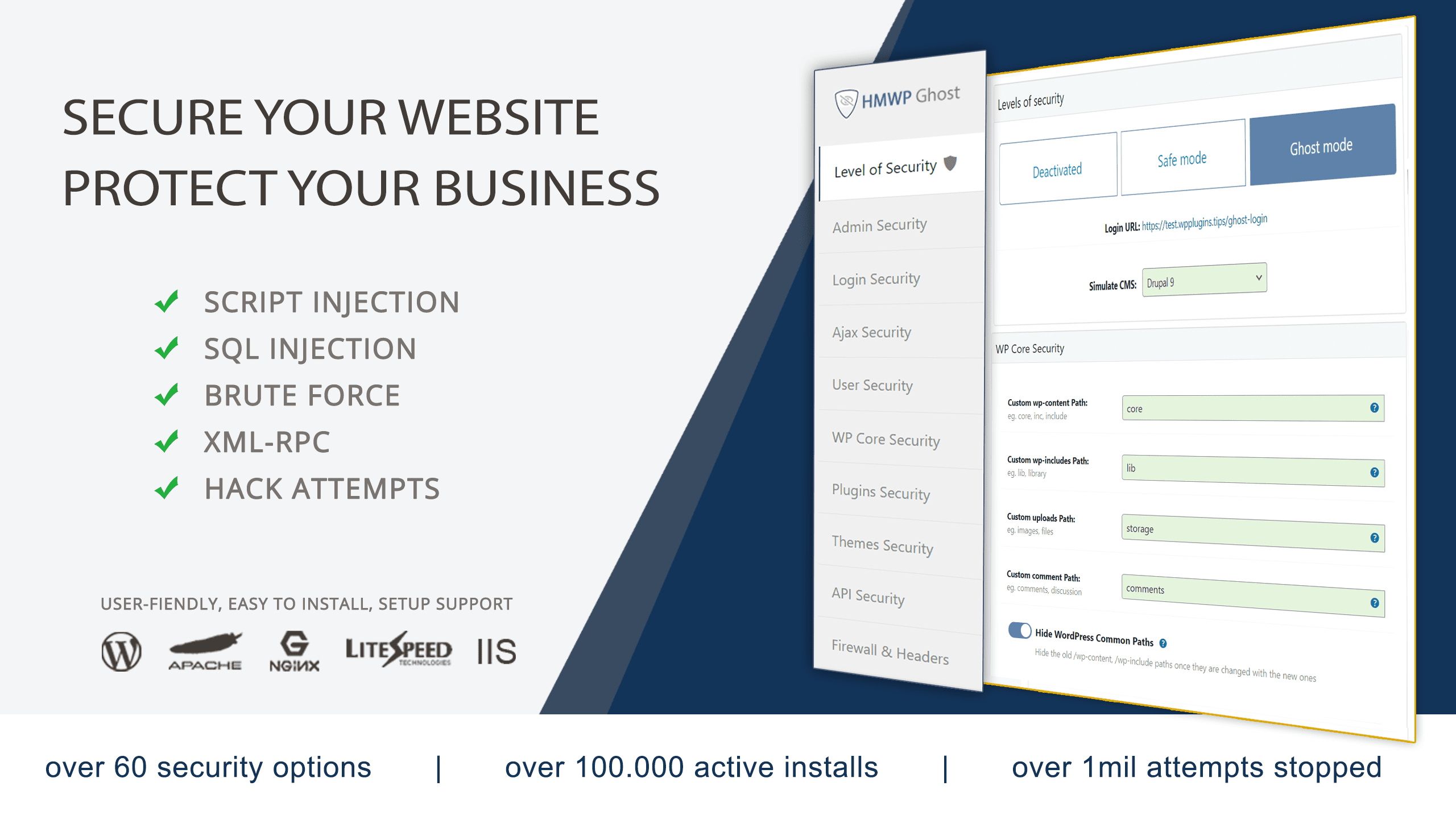
Learn how to set up WP Ghost using the Ghost Mode preset to activate all essential security features and protect your site from hacker bots in under 4 minutes.
VIDEO OUTLINE
- Min. 0:13 – 0:44: Load Ghost Mode Preset (Instant Setup)
- Min. 0:45 – 1:16: Fine-Tune Change Paths
- Min. 1:17 – 1:40: Tweaks, Hide, and Disable Options
- Min. 1:41 – 2:13: Mapping (Hide from Theme Detectors)
- Min. 2:14 – 2:27: Firewall Settings (8G Firewall)
- Min. 2:28 – 2:44: Brute Force Protection
- Min. 2:45 – 3:07: Two-Factor Authentication (2FA)
- Min. 3:08 – 3:22: Events Log (Cloud Monitoring)
- Min. 3:23 – 3:44: Security Check
👉 Min. 0:13 – 0:44: Load Ghost Mode Preset
Recommended Actions:
- Go to the Restore section and back up your current settings.
- Select the Ghost Mode preset and click Load Preset to apply the best-practice hack prevention configuration instantly.
👉 Min. 0:45 – 1:16: Fine-Tune Change Paths
Admin Security
- Custom Admin Path – Change to something unique (e.g., custom-admin).
- Hide wp-admin – Recommended: ON
Login Security
- Custom Login Path – Create a secure path (e.g., custom-login).
- Hide wp-login.php – Recommended: ON
👉 Min. 1:41 – 2:13: Mapping (Paths Security)
Neutralize fingerprints by hiding your theme and plugin identity from scanners.
- Text Mapping – Hide CSS class names to block theme detector bots.
- URL Mapping – Obfuscate file URLs in your source code.
- CDN Support – Add your CDN domain to ensure all external paths are secured.
👉 Min. 3:23 – 3:44: Security Check
Recommended Actions:
- Click on Start Scan to run a comprehensive WordPress security audit.
- Review the Action Items and follow the instructions to reach a 100% optimization score.
NOTE!
👋 How to Fix 403 Forbidden Error caused by mod_security
If your host uses ModSecurity rule #212340, it may prevent the Code Editor from working in Ghost Mode. If you encounter a 403 error, ask your host to whitelist Rule 212340 for your account.