

Hide My WP Ghost Advanced Pack
September 9, 2024
The Advanced Pack was an add-on that brought Two-Factor Authentication (2FA) and Temporary Login to the free version of the plugin.
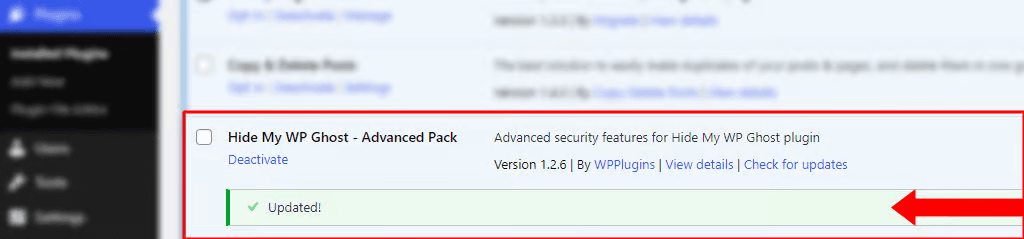
Current WP Ghost versions, free and premium, include 2FA, Temporary Logins and Magic Login in the plugin itself, so the Advanced Pack is no longer needed and is no longer offered for download.
What the Advanced Pack added
- Two-Factor Authentication (2FA)
2FA protects your login form with a second step. After the password, each user enters a code from an authenticator app or from an email. A guessed or stolen password isn’t enough to log in without that code, so a brute force attack that finds the password still stops at the second step.
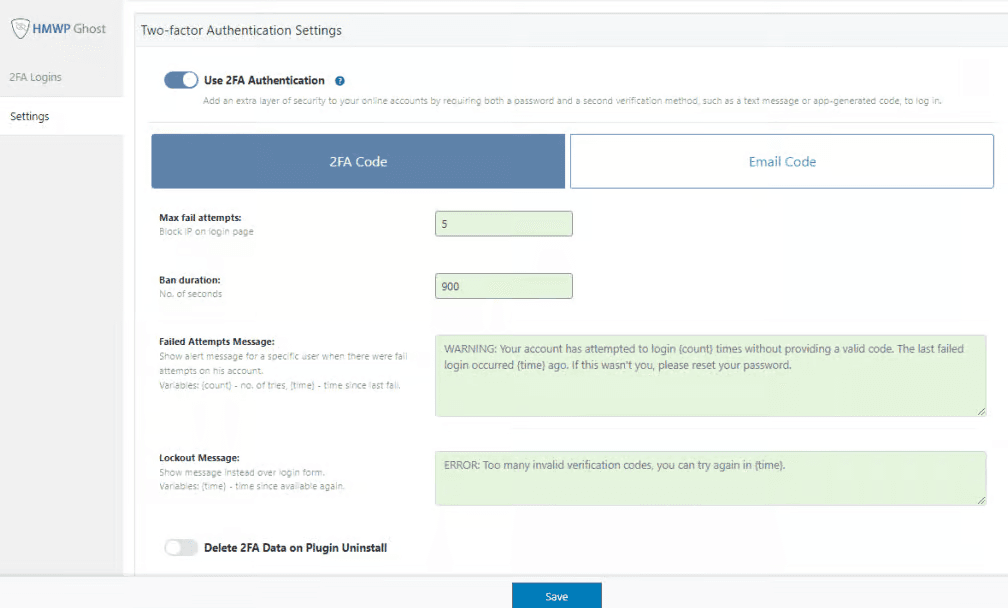
- Temporary Login Without a Password
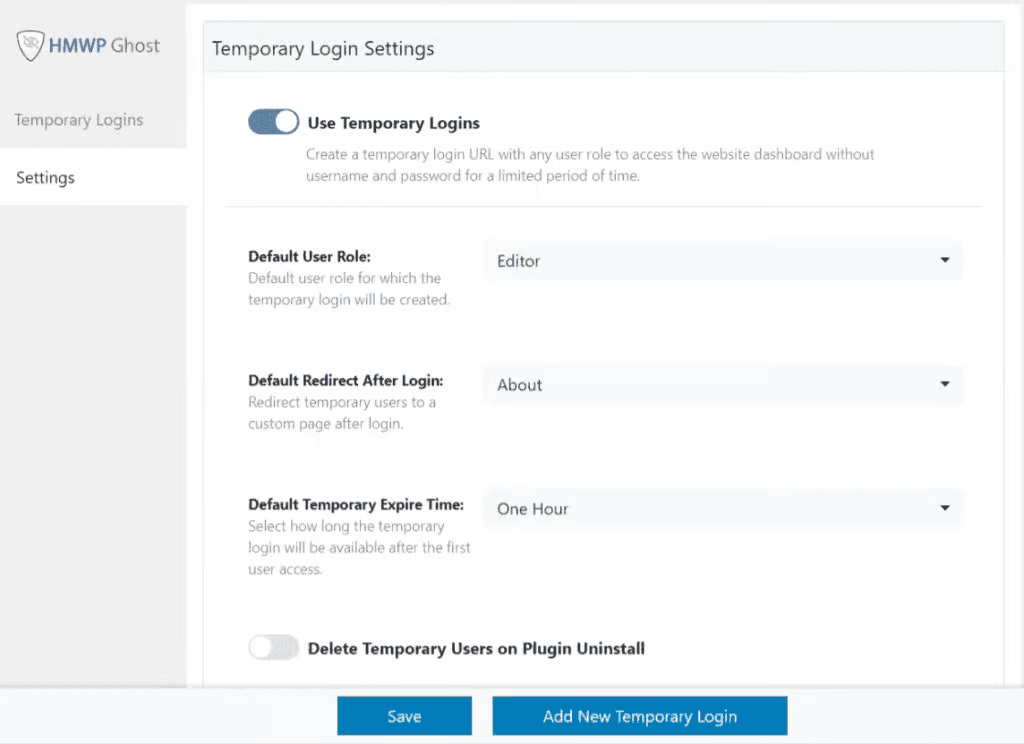
Temporary Login creates login links that work without a password for a set time. Give one to a developer or client who needs short-term access for troubleshooting, an audit or a content update. When the time runs out, the link stops working. Nobody needs an extra user account, and no password gets shared.
How to get these features now
You don’t need the Advanced Pack anymore. Update WP Ghost to the latest version, free or premium, and turn both features on from the feature list on the WP Ghost Overview page. Then set them up in WP Ghost > 2FA Login and WP Ghost > Temporary Login.
Conclusion
The Hide My WP Ghost Advanced Pack added Two-Factor Authentication and Temporary Login to the free plugin. Both are now part of WP Ghost itself, so there is nothing extra to download or install.