WP Ghost – WordPress Hack Prevention Plugin (Hide My WP Alternative)
September 10, 2018
This tutorial has moved to the new WP Ghost Knowledge Base where each feature is presented in detail.
WP Ghost (formerly Hide My WP Ghost) is a hack prevention plugin available on the WordPress.org directory with 115+ free security features and 150+ in Premium. It focuses on reducing your WordPress attack surface by changing paths, blocking bots with 7G/8G firewall rules, and adding security layers that work together with your existing hosting and plugins.
Why WP Ghost
Set Up in Seconds
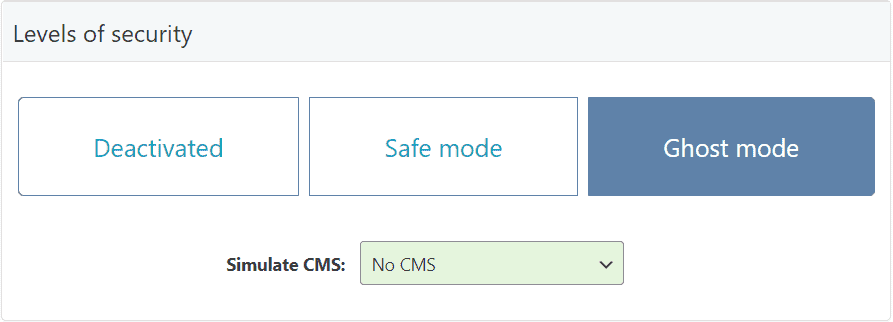
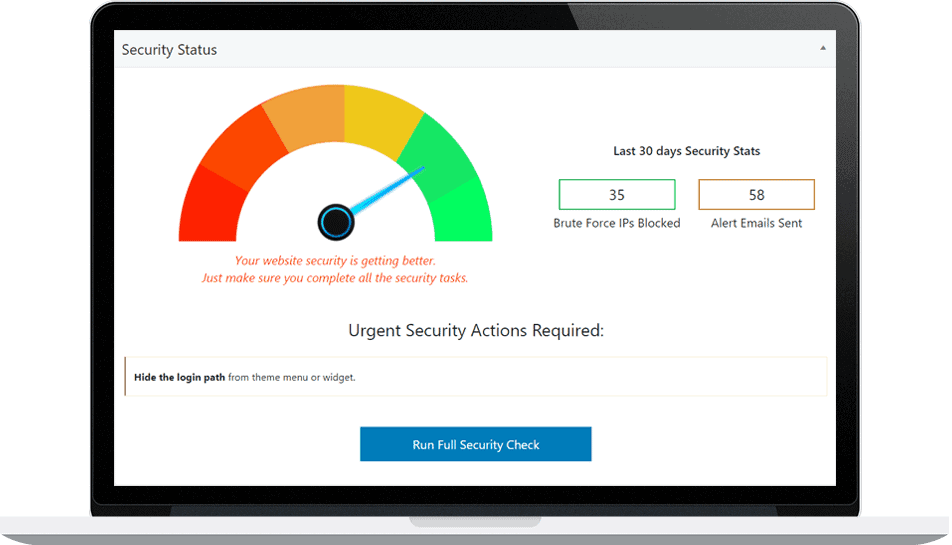
Select Safe Mode or Ghost Mode from WP Ghost > Change Paths > Level of Security and click Save. All WordPress paths change automatically with predefined custom names. No manual configuration required. Run a Security Check to verify everything is working and click Fix It on any flagged items.
115+ Security Features in the Free Version
WP Ghost free includes: all path changes (login, wp-admin, wp-content, wp-includes, uploads, plugins, themes, author, comments, REST API, admin-ajax), 8G Firewall, 7G Firewall, brute force protection with reCAPTCHA, 2FA (code, email, passkey), security headers (HSTS, CSP, X-Frame-Options), temporary logins, magic link login, text and URL mapping, and a security optimization score. See the Free vs Premium comparison for the full list.
Zero Performance Impact
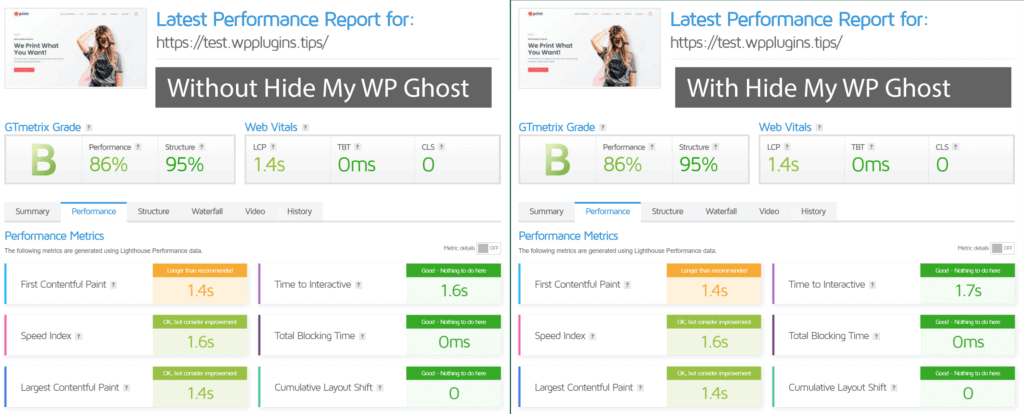
WP Ghost uses server-level rewrite rules (.htaccess for Apache, hidemywp.conf for Nginx) that execute before PHP loads. Path changes add zero processing overhead. When combined with a caching plugin, WP Ghost processes cached files in the background so visitors experience the same fast loading speeds.
Available on WordPress.org
WP Ghost is hosted on the official WordPress plugin directory. This means it undergoes WordPress.org code review, receives automatic updates through the WordPress dashboard, and has a public support forum with community and developer responses. You can install it directly from Plugins > Add New in your WordPress dashboard.
Works With Your Existing Stack
WP Ghost is tested and compatible with over 1,000 plugins and themes including WooCommerce, Elementor, Divi, Wordfence, Solid Security, WP Rocket, LiteSpeed Cache, WPML, and all major page builders and caching plugins. It does not replace your existing security tools – it adds a prevention layer that works alongside them. See the Compatibility Plugins List.
Get Started
Install WP Ghost Free – install from the WordPress directory with 115+ features.
Install WP Ghost Premium – download from your account with Ghost Mode and 150+ features.
Customize All WordPress Paths – step-by-step configuration guide.
Free vs Premium – full feature comparison.
Hide from Theme Detectors – verify your site is hidden from CMS scanners.