WordPress XSS Prevention: Stop Malicious Scripts From Hijacking Your Visitors
September 1, 2026
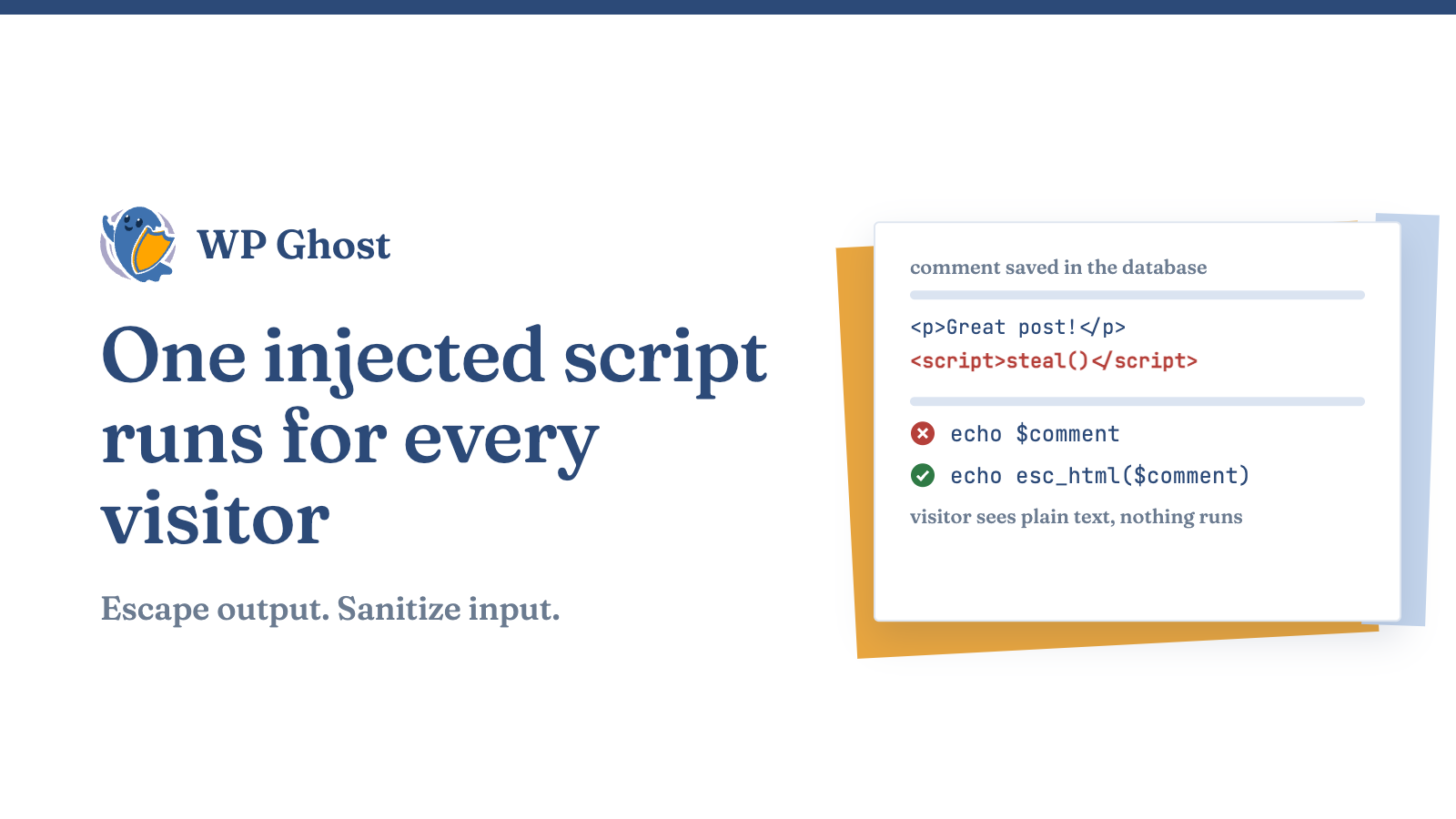
Cross-site scripting (XSS) means a script an attacker planted in your pages runs in your visitors’ browsers. The browser trusts your domain, so it runs the script with your site’s privileges. The usual results are stolen sessions, forced redirects and spam ads.
The three types of XSS
| Type | Where the script lives | Where to defend |
|---|---|---|
| Stored | Saved in your database through a comment, form or plugin field | Sanitize input, escape output |
| Reflected | Bounced off a crafted URL or form | Escape output, keep core updated |
| DOM-based | Written into the page by JavaScript in the browser | Avoid .innerHTML |
A high-severity WordPress core flaw disclosed in 2026 was a reflected XSS on the login screen that needed no credentials. It was fixed, but only sites that applied the update were protected.
Escape every output
Escape at the point of output and match the function to the context.
| Function | Use it for |
|---|---|
esc_html() | Text between HTML tags |
esc_attr() | Values inside an attribute |
esc_url() | URLs in href and src. Strips javascript: |
esc_js() | Data inside an inline script |
esc_textarea() | Content pre-filled into a textarea |
Unsafe:
echo '<h2>' . $_GET['name'] . '</h2>';Safe:
echo '<h2>' . esc_html( $_GET['name'] ) . '</h2>';Escape every dynamic value, even ones you think are clean. Data saved years ago through a form you removed can still be attacker-controlled.
Client-side code
Server-side escaping does not cover JavaScript. Set text with .textContent instead of .innerHTML or jQuery’s .html() so the browser never parses user input as HTML.
Sanitize input on save
| Data | Function |
|---|---|
| Single-line text | sanitize_text_field() |
| Multi-line text | sanitize_textarea_field() |
sanitize_email() | |
| URL you will store | esc_url_raw() |
Treat $_GET, $_POST, cookies and REST payloads as untrusted. AJAX and REST endpoints need their own sanitizing, not just the shortcode or form next to them.
Allow safe HTML with wp_kses
If users may submit some HTML, pass it through wp_kses() with an explicit allowlist. Anything not listed is stripped.
$allowed = array(
  'a'      => array( 'href' => array(), 'title' => array() ),
  'strong' => array(),
  'em'     => array(),
);
$clean = wp_kses( $user_input, $allowed );
Keep the list short and keep WordPress updated, because wp_kses fixes ship in core releases.
Patch and remove
- Turn on automatic minor core updates.
- Review plugin and theme updates weekly.
- Treat “additional escaping” or “XSS fix” in a changelog as a sign the old version was exploitable.
- Delete plugins and themes you do not use.
Add a firewall layer
The Hide My WP Ghost security firewall blocks script-injection patterns before WordPress loads. Use it next to escaping, not instead of it.
Add a Content Security Policy
A Content Security Policy header tells the browser which script sources to run. Start with a report-only policy so you can see what it would block, then enforce it.
Content-Security-Policy-Report-Only: default-src 'self'; script-src 'self'Quick checklist
- Escape every output with the matching
esc_*function. - Sanitize input on save.
- Use
wp_kses()with a short allowlist. - Use
.textContentin JavaScript. - Update core, plugins and themes.
- Delete unused plugins.
- Add a firewall and a CSP.
FAQ
What is the difference between escaping and sanitizing?
Sanitizing cleans data before you store it. Escaping makes data safe when you print it.
Does WordPress core protect me from XSS?
Partly. Plugins and themes add their own entry points.
Should I use a plugin or write code?
Both. Code covers your own output and a firewall covers code you cannot audit.