Use Hide My WP Ghost with Zapier
June 20, 2019
This tutorial has moved to the new WP Ghost Knowledge Base where each feature is presented in detail.
WP Ghost (formerly Hide My WP Ghost) is compatible with Zapier. Zapier uses the WordPress XML-RPC API to create posts, update pages, and trigger workflows. WP Ghost lets you keep XML-RPC disabled for the public while whitelisting Zapier’s User Agent so only Zapier can access it. No need to disable XML-RPC protection entirely.
Why Zapier Needs Configuration
Zapier connects to WordPress through the xmlrpc.php file. WP Ghost recommends disabling XML-RPC access because it is a common target for brute force attacks and DDoS amplification. But Zapier requires XML-RPC to function. The old workaround was to disable XML-RPC protection completely. Since WP Ghost 5, you can keep XML-RPC disabled for the public and whitelist Zapier specifically through the firewall.
How to Configure WP Ghost for Zapier
Step 1: Keep XML-RPC Disabled (Secure Default)
Go to WP Ghost > Change Paths > API Security. Confirm that Disable XML-RPC access is enabled. This blocks public XML-RPC access. The whitelist in the next step overrides this for Zapier specifically. Click Save.

Step 2: Whitelist Zapier in the Firewall
Go to WP Ghost > Firewall > Whitelist. Add the Zapier User Agent to the whitelist. Click Save.
Optionally, you can also add Zapier’s IP addresses. Zapier runs on AWS infrastructure, so its IPs come from AWS ranges. However, these can change over time. The User Agent whitelist is more reliable since it does not change when IPs rotate.
Step 3: Verify the Setup
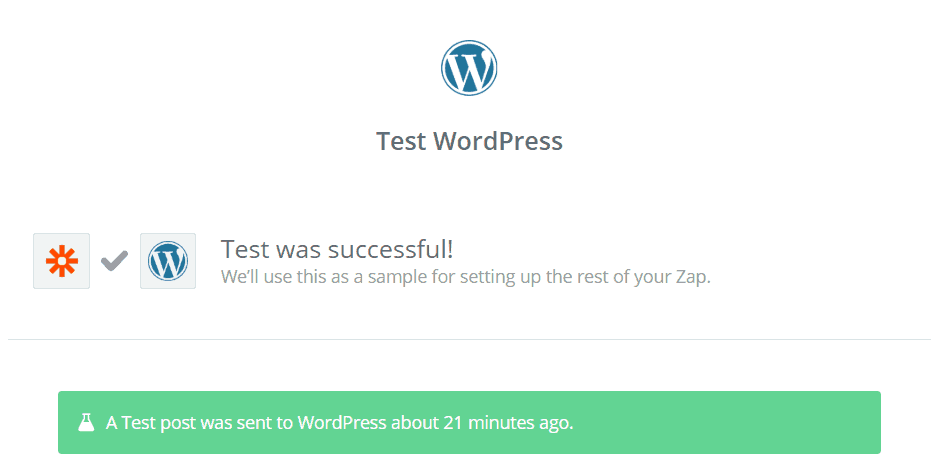
Create a test Zap in your Zapier dashboard that connects to your WordPress site (for example, create a new post). Run the Zap and confirm the action completes. Verify the post appears on your WordPress site.

Troubleshooting
Zapier returns a connection error. The User Agent whitelist may not be saved correctly. Go to WP Ghost > Firewall > Whitelist and verify the Zapier entry is present. If you use country blocking, make sure you are not blocking the AWS region where Zapier’s servers are located.
Zapier worked initially but stopped later. If you whitelisted Zapier by IP address, the IP may have changed (Zapier uses AWS infrastructure with rotating IPs). Switch to User Agent whitelisting, which is more stable. Check the AWS IP range list for updated addresses if you need IP-based whitelisting.
Zapier creates posts but with broken formatting. This is a Zapier/XML-RPC formatting issue, not a WP Ghost issue. XML-RPC has limited formatting support compared to the block editor. Check Zapier’s WordPress integration documentation for formatting options.
Frequently Asked Questions
Is it safe to allow XML-RPC access for Zapier?
Yes, when done through the whitelist. XML-RPC remains disabled for all public traffic. Only requests matching the whitelisted User Agent (Zapier) can access it. This is much safer than disabling XML-RPC protection entirely, which was the only option before WP Ghost 5.
Can Zapier use the REST API instead of XML-RPC?
Zapier’s built-in WordPress integration uses XML-RPC. Some advanced Zapier setups using webhooks or custom API calls can use the REST API instead, which does not require XML-RPC access. If you use a webhook-based Zap, you may not need any XML-RPC configuration at all.
Does this apply to other automation services like Make or IFTTT?
Yes. Any service that connects to WordPress through XML-RPC needs the same approach: keep XML-RPC disabled for the public and whitelist the service’s User Agent and/or IP addresses in the WP Ghost firewall.
Does this work with WooCommerce?
Yes. WP Ghost is fully compatible with WooCommerce, and Zapier has WooCommerce-specific integrations for order processing, product creation, and customer management.
Does WP Ghost modify WordPress core files?
No. WP Ghost uses rewrite rules and WordPress hooks. No core files are modified.
Related Tutorials
Disable XML-RPC – the full XML-RPC security tutorial.
Customize All WordPress Paths – configure all paths including API security.
Firewall and Geo Security – manage whitelists, blacklists, and country blocking.
Compatibility Plugins List – confirmed compatible services and plugins.
Website Security Check – verify your configuration after setup.